







VeeFriends Comic Book #4: Hunt For Harpik Uncovers Mysteries of the Frowning Forest
VeeFriends Comic Book #4: Hunt For Harpik has finally arrived, taking readers on an epic quest through the Frowning Forest alongside the…

For many attendees, especially those new to the world of cryptocurrencies and NFTs, the idea of purchasing tickets via blockchain technology might seem daunting. Below are step-by-step walkthroughs for buying VeeCon 2024 tickets with a credit card and with crypto.
Official VeeCon 2024 ticket collection listing: https://opensea.io/collection/veecon-2024-tickets

Please note: The artwork on the tickets is currently in pre-reveal mode and will not be unveiled until after the conference.
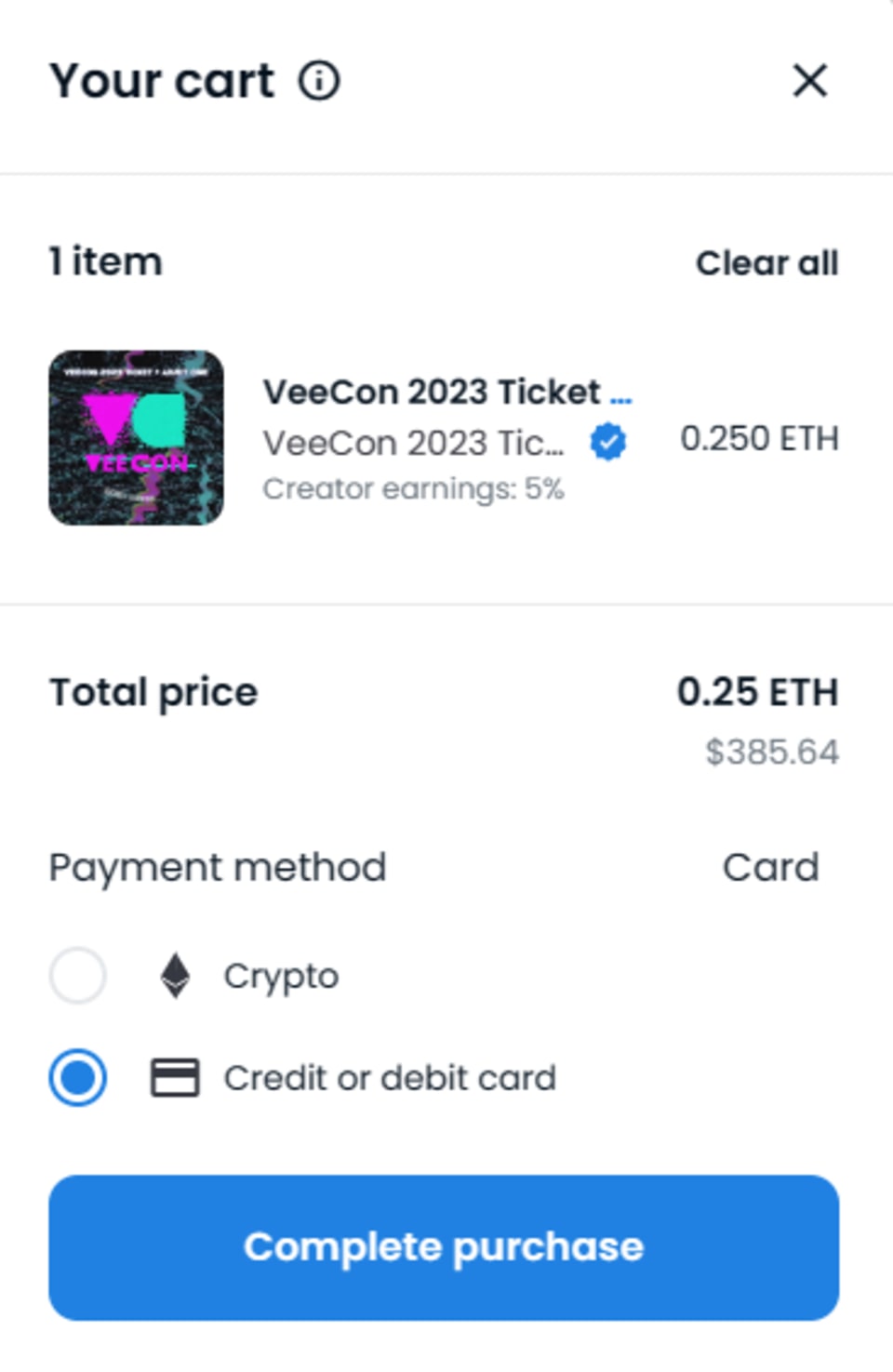
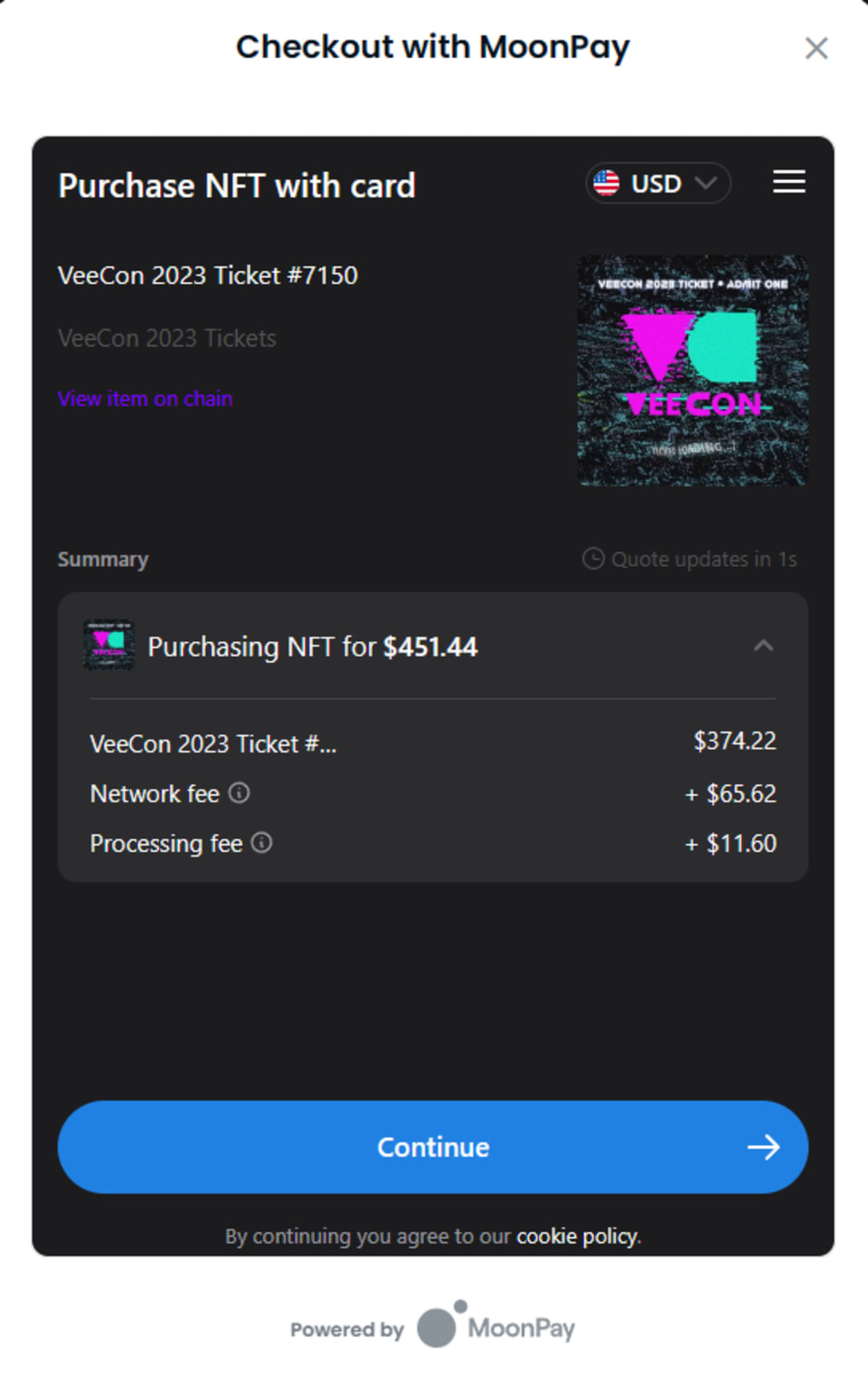
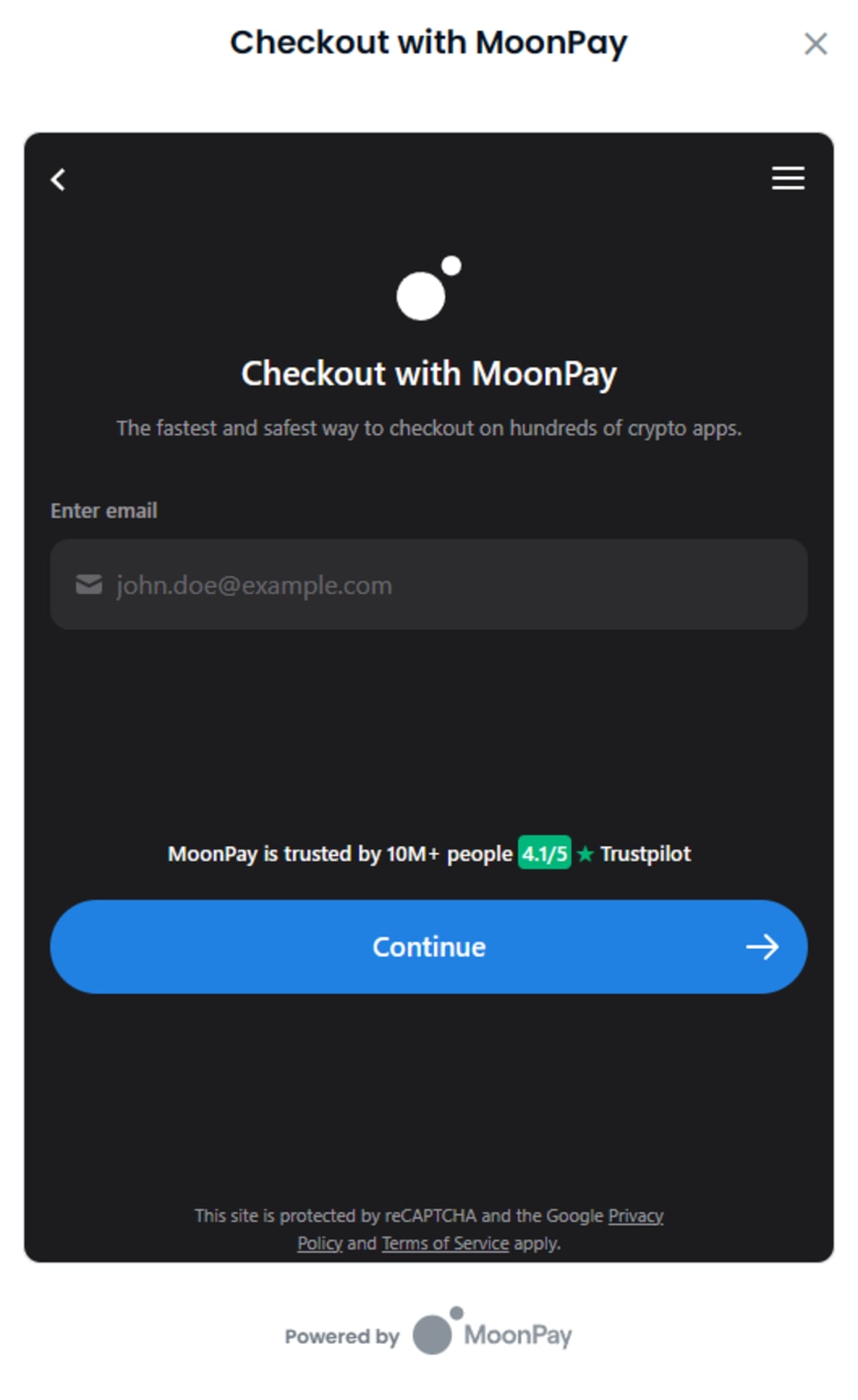
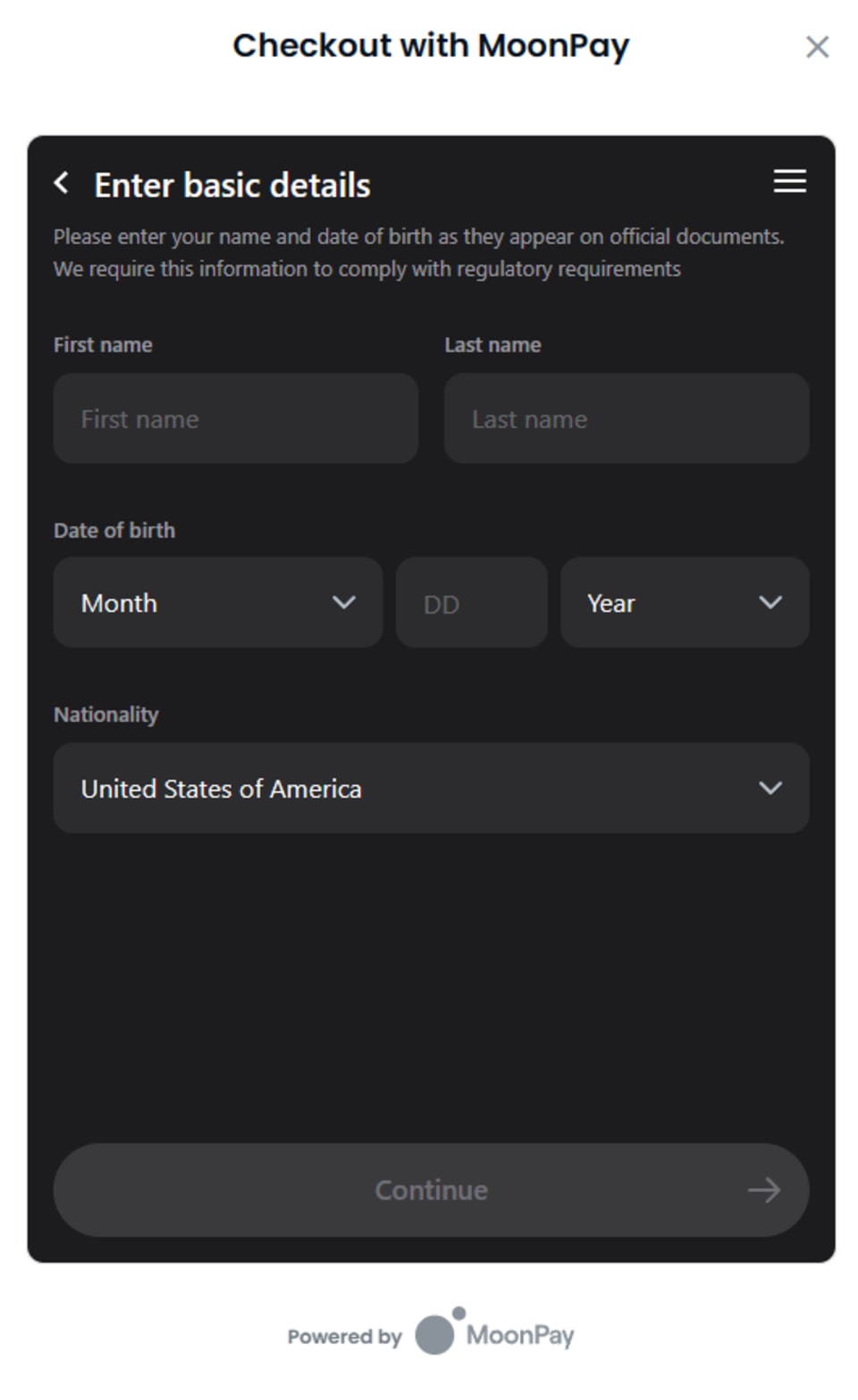
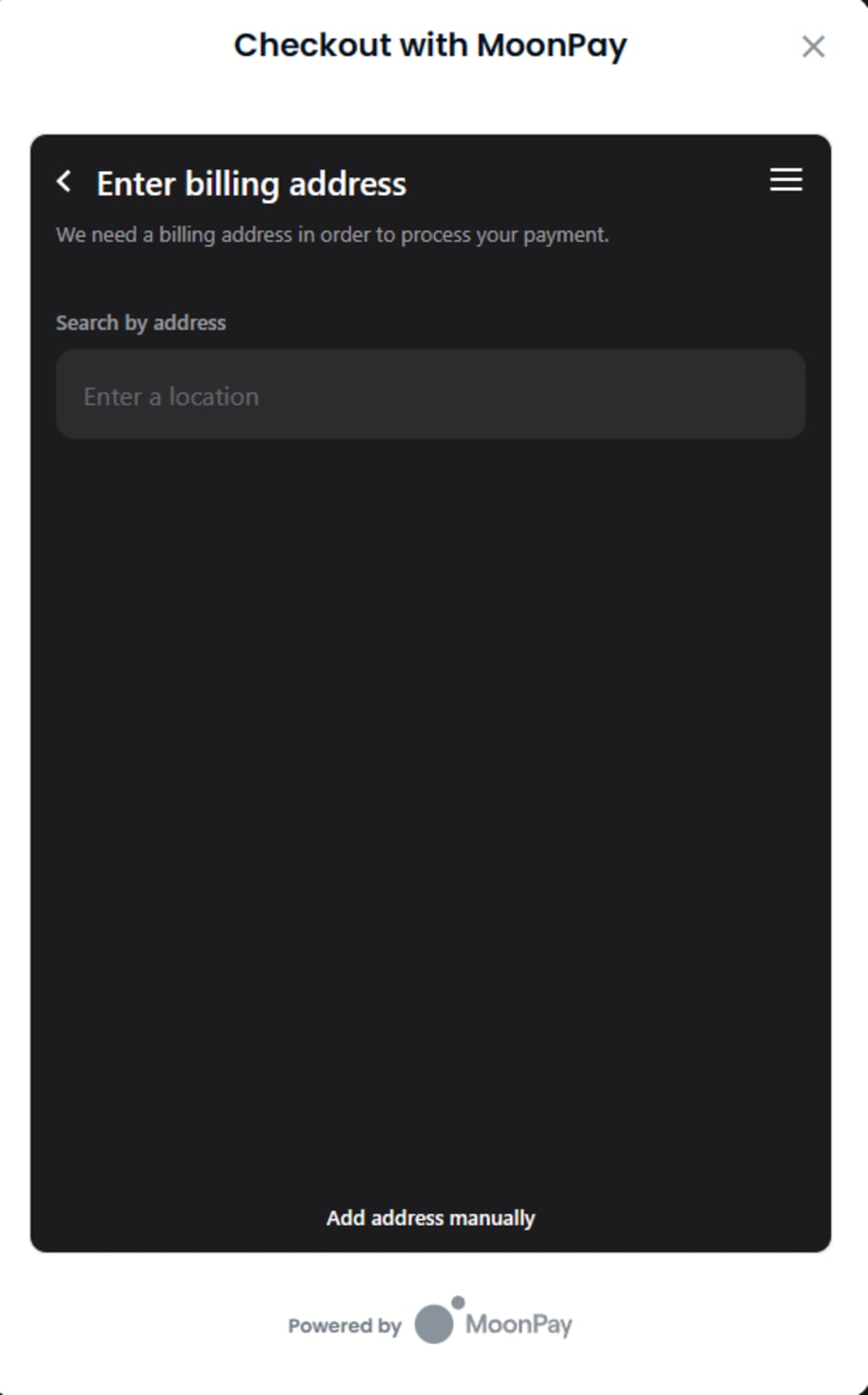
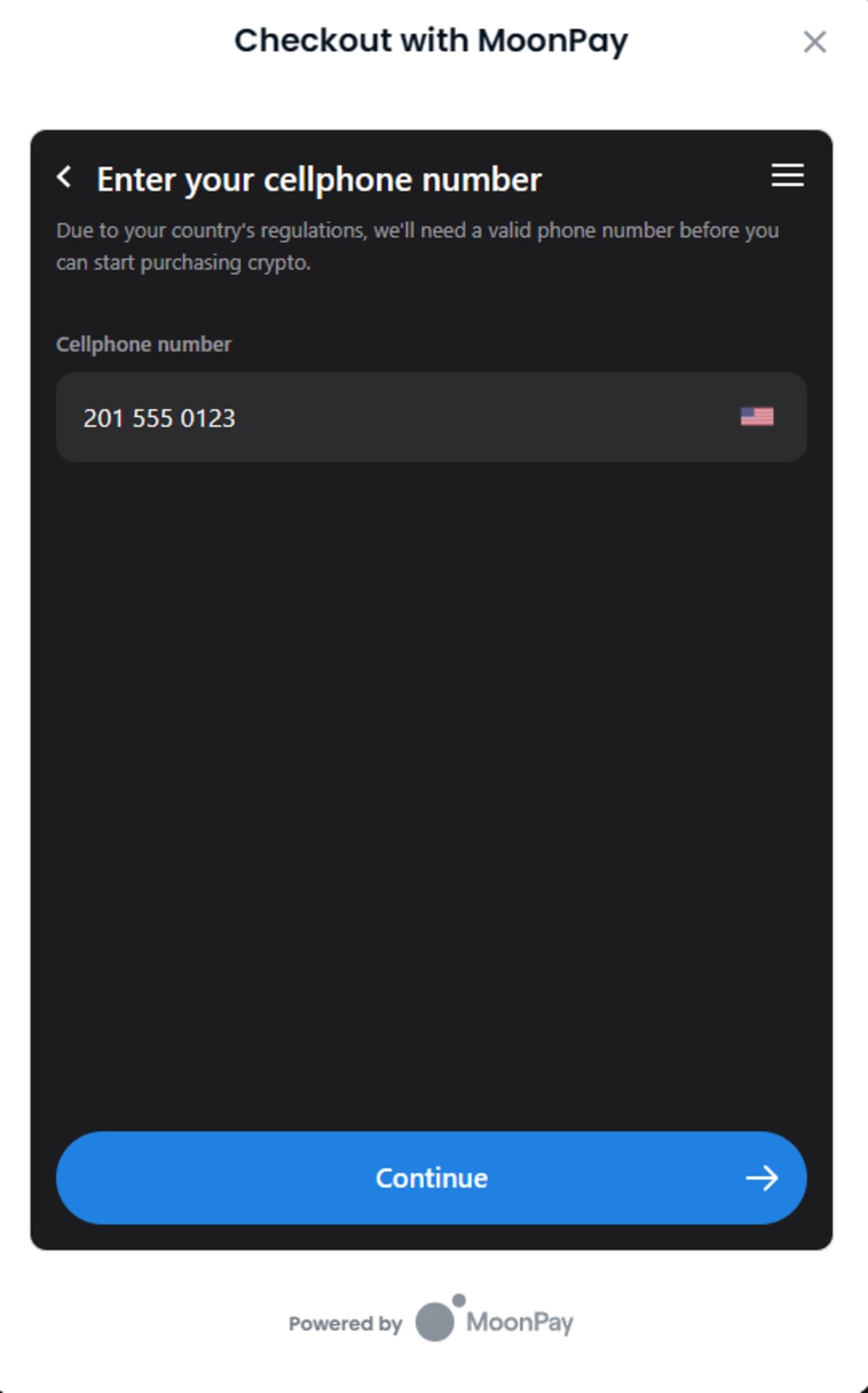
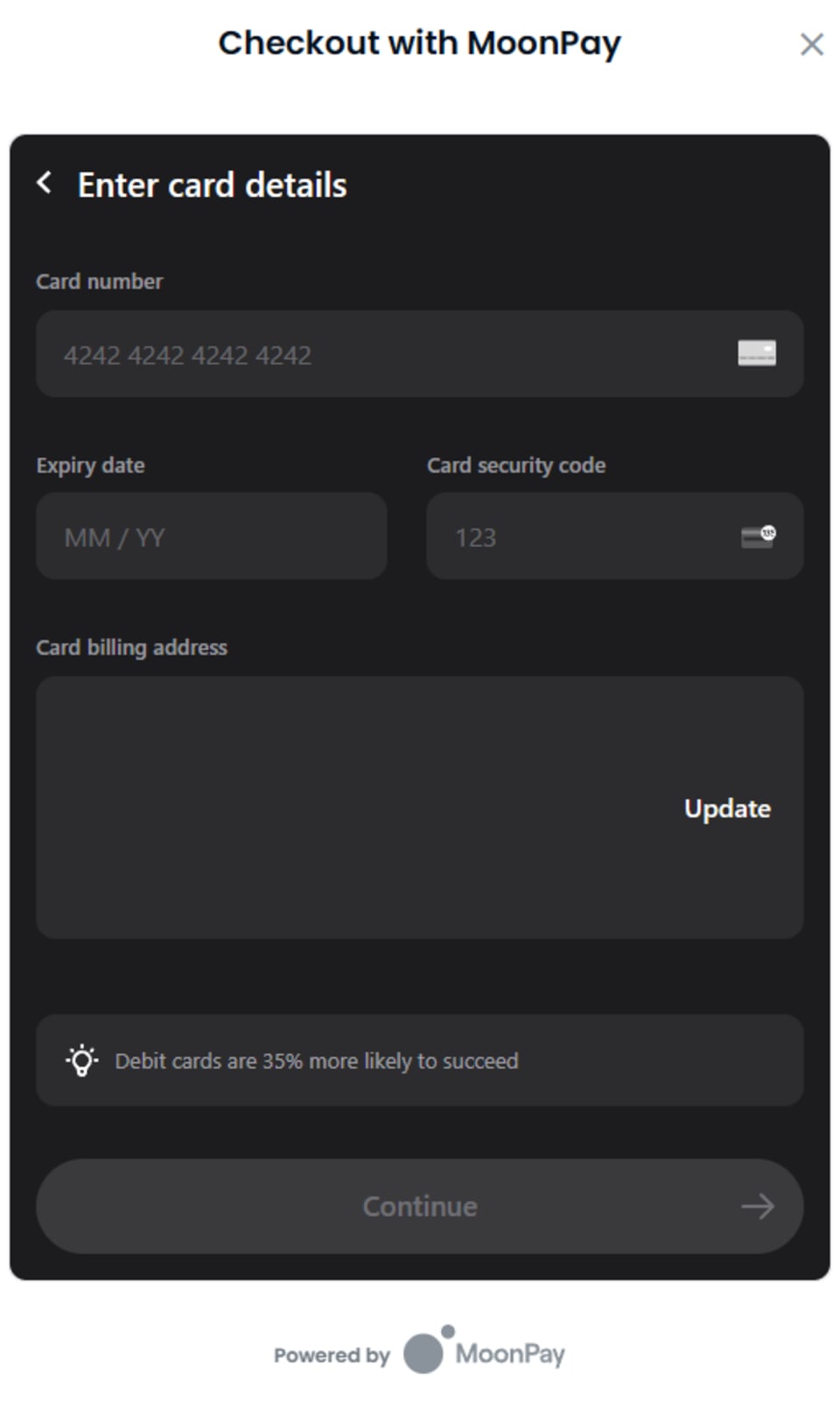
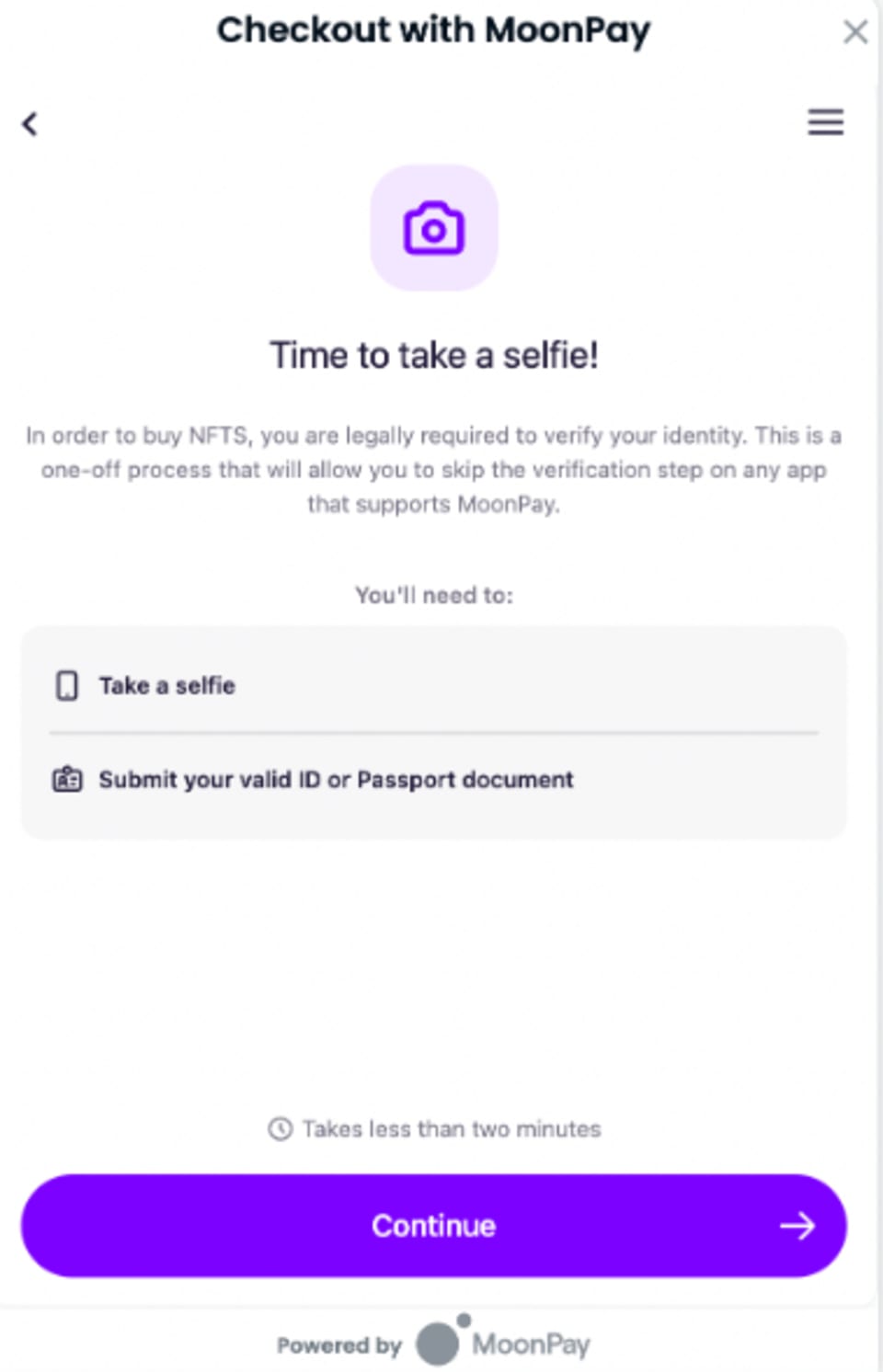
Follow these steps to purchase using a credit card:
Please note: OpenSea does provide an option to create a wallet with an email address, but we do not recommend this option because there is no current way to link your OpenSea wallet to your VeeFriends account for registration, which is required for valid entry to VeeCon.
Navigate to the Official VeeCon Tickets: Use https://opensea.io/collection/veecon-2024-tickets to access the official VeeCon 2024 ticket collection.
Select Your Ticket: Choose the specific ticket you'd like to purchase. All VeeCon 2024 tickets are general admission and grant access to all 3 days of the event.
Proceed to Checkout: Click the "Buy Now" button, and select the credit card option at checkout.

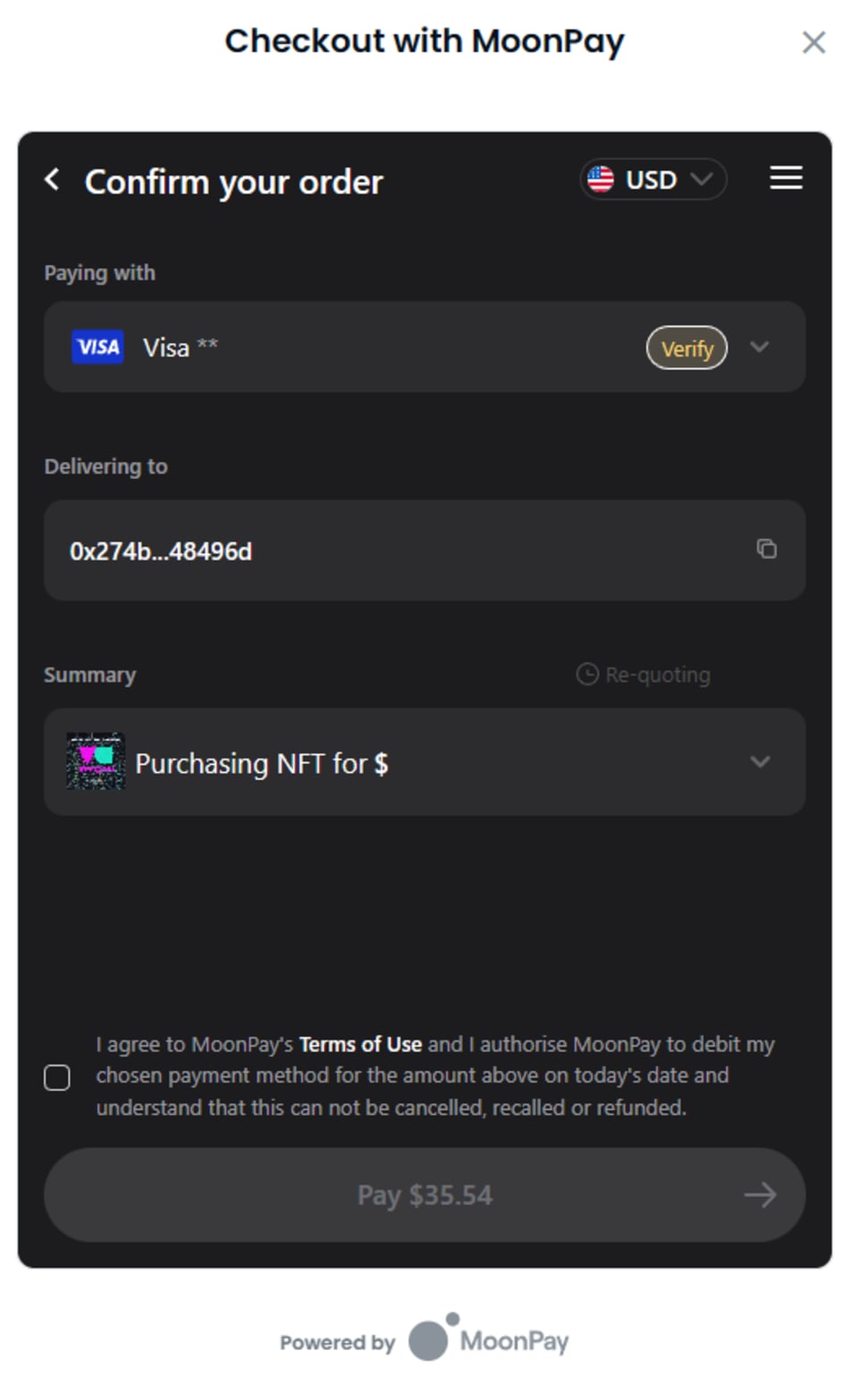
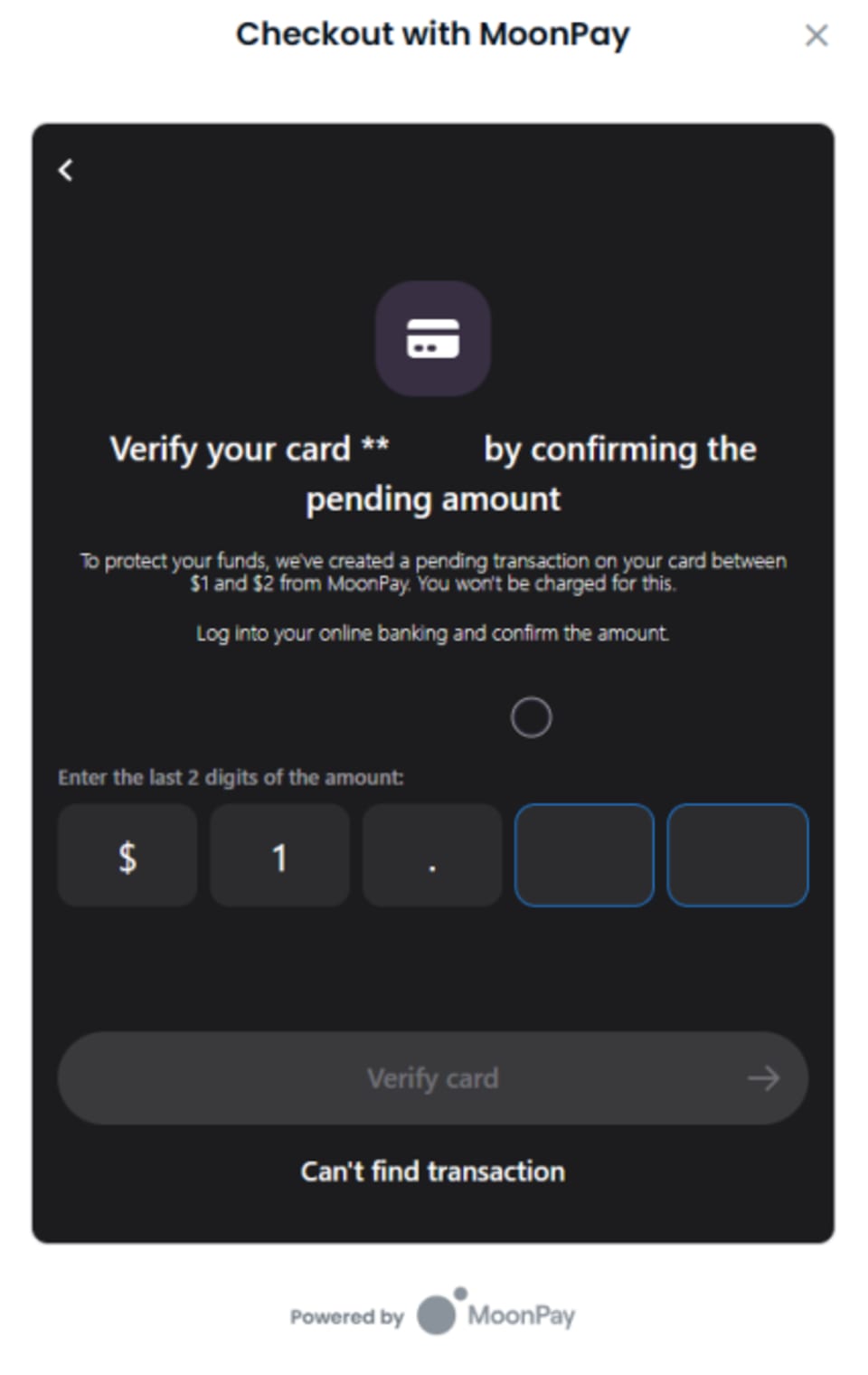
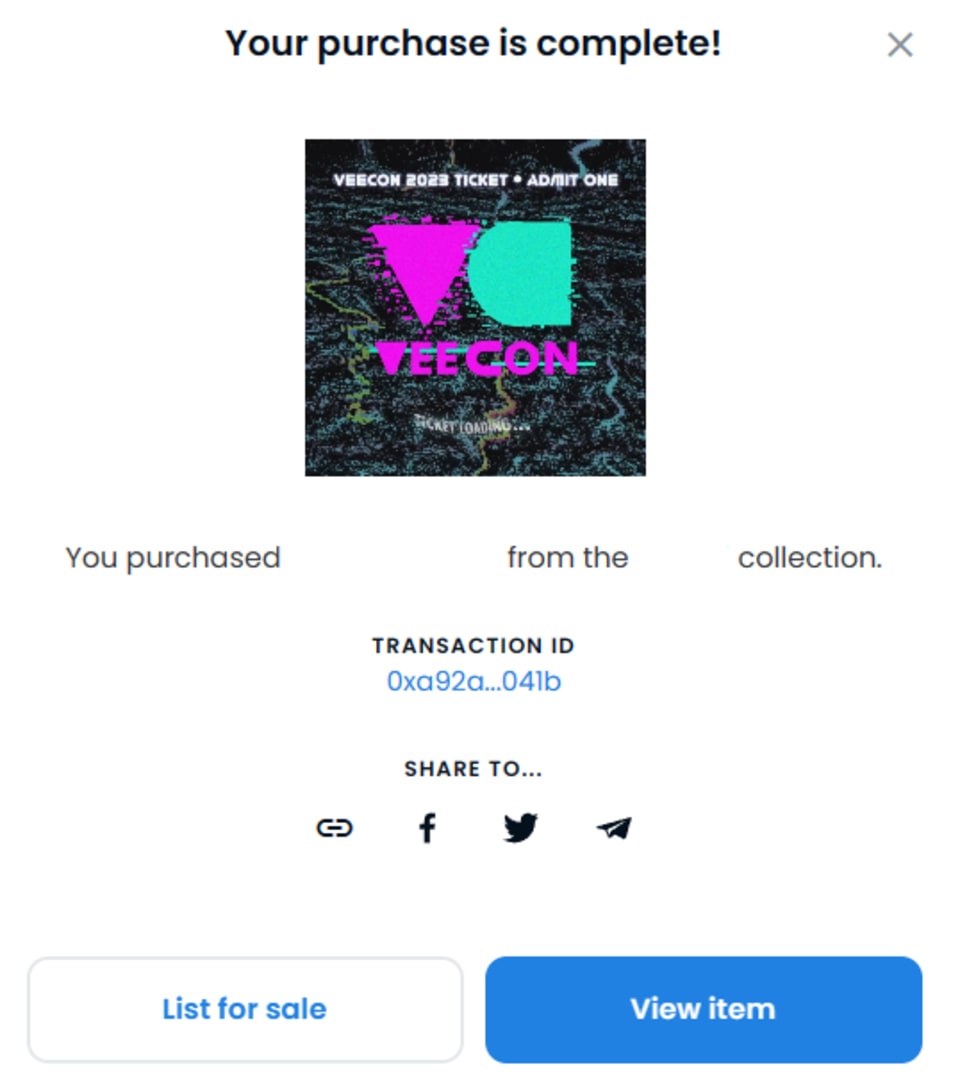
This year, VeeCon tickets are hosted on Base, a Layer-2 network by Coinbase. Using Base means lower transaction fees, faster processing times, and enhanced accessibility for attendees. In order to buy, sell, or transfer VeeCon 2024 tickets attendees will need to add the Base network to their crypto wallet. For full details about using Base for VeeCon 2024 Tickets, check out:
To ensure a seamless transaction, follow these steps to purchase your ticket on OpenSea:
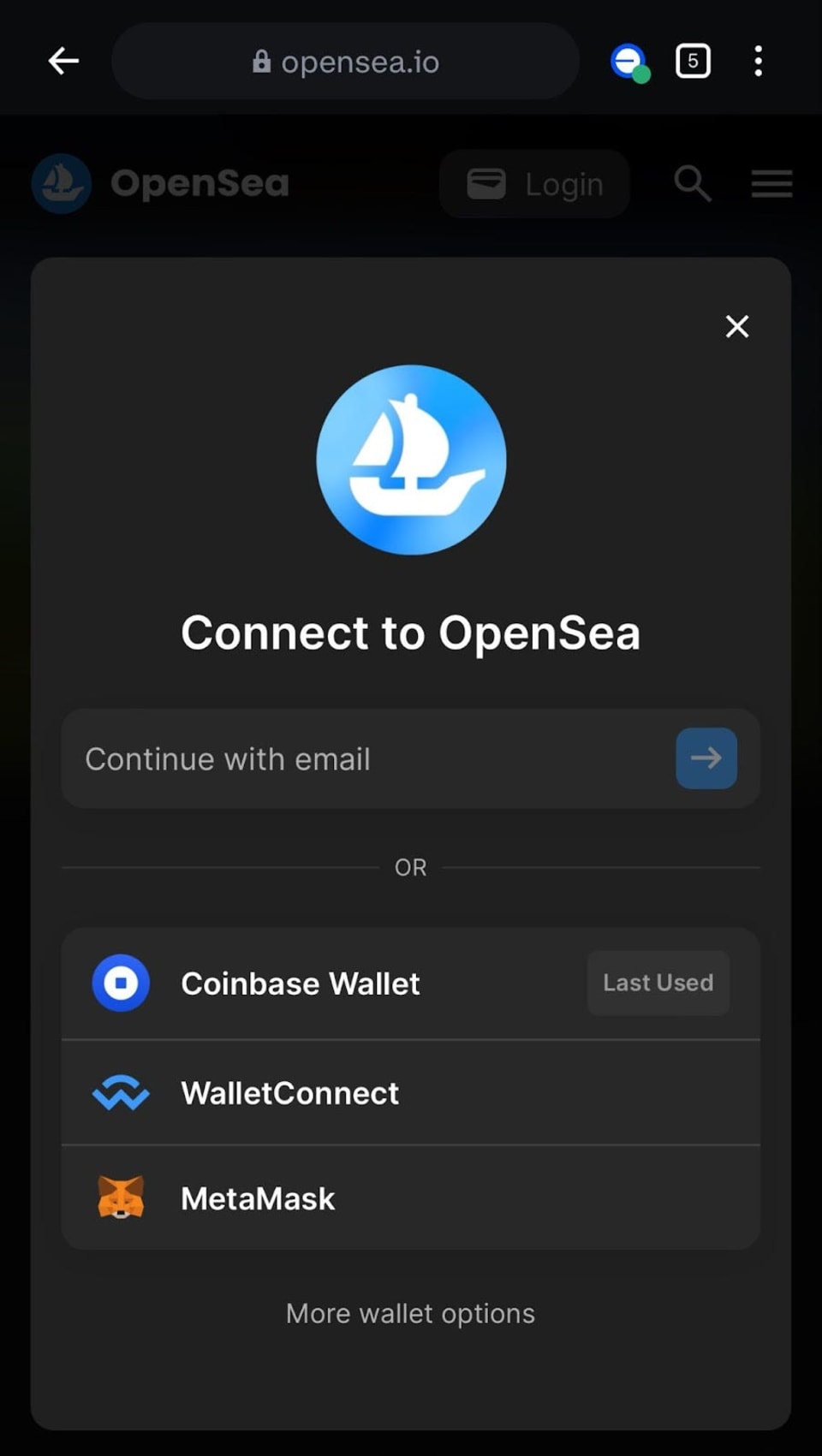

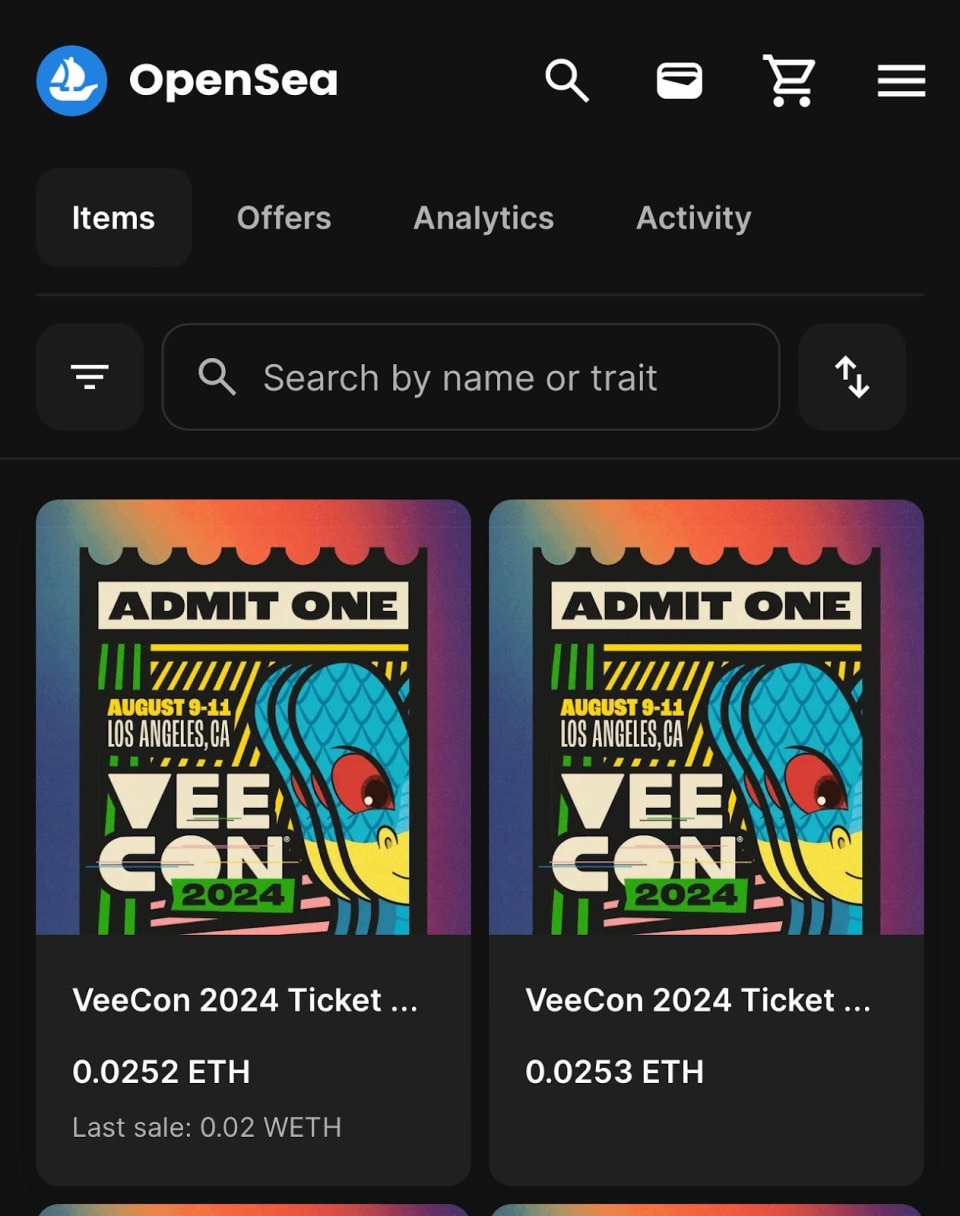
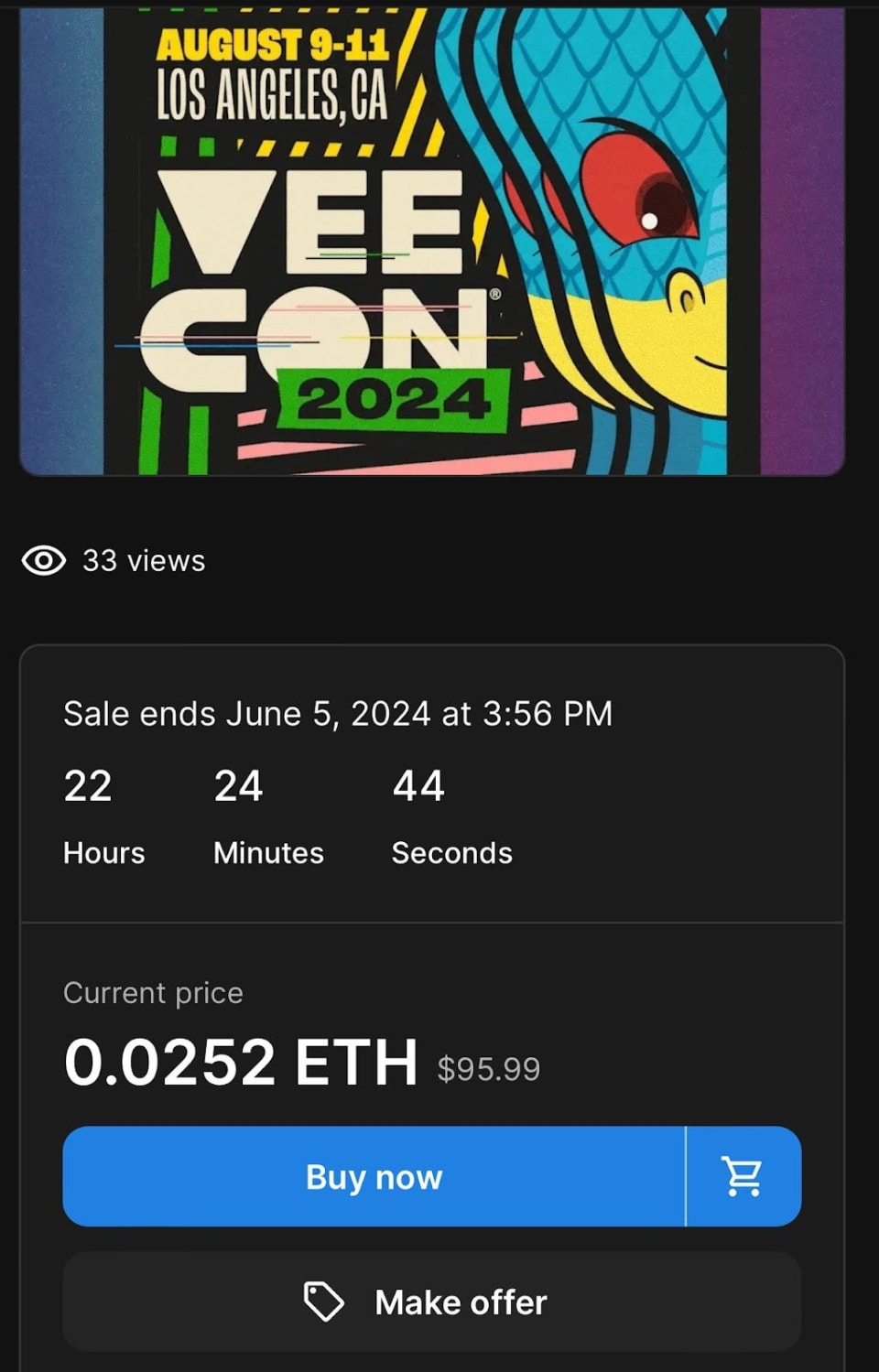
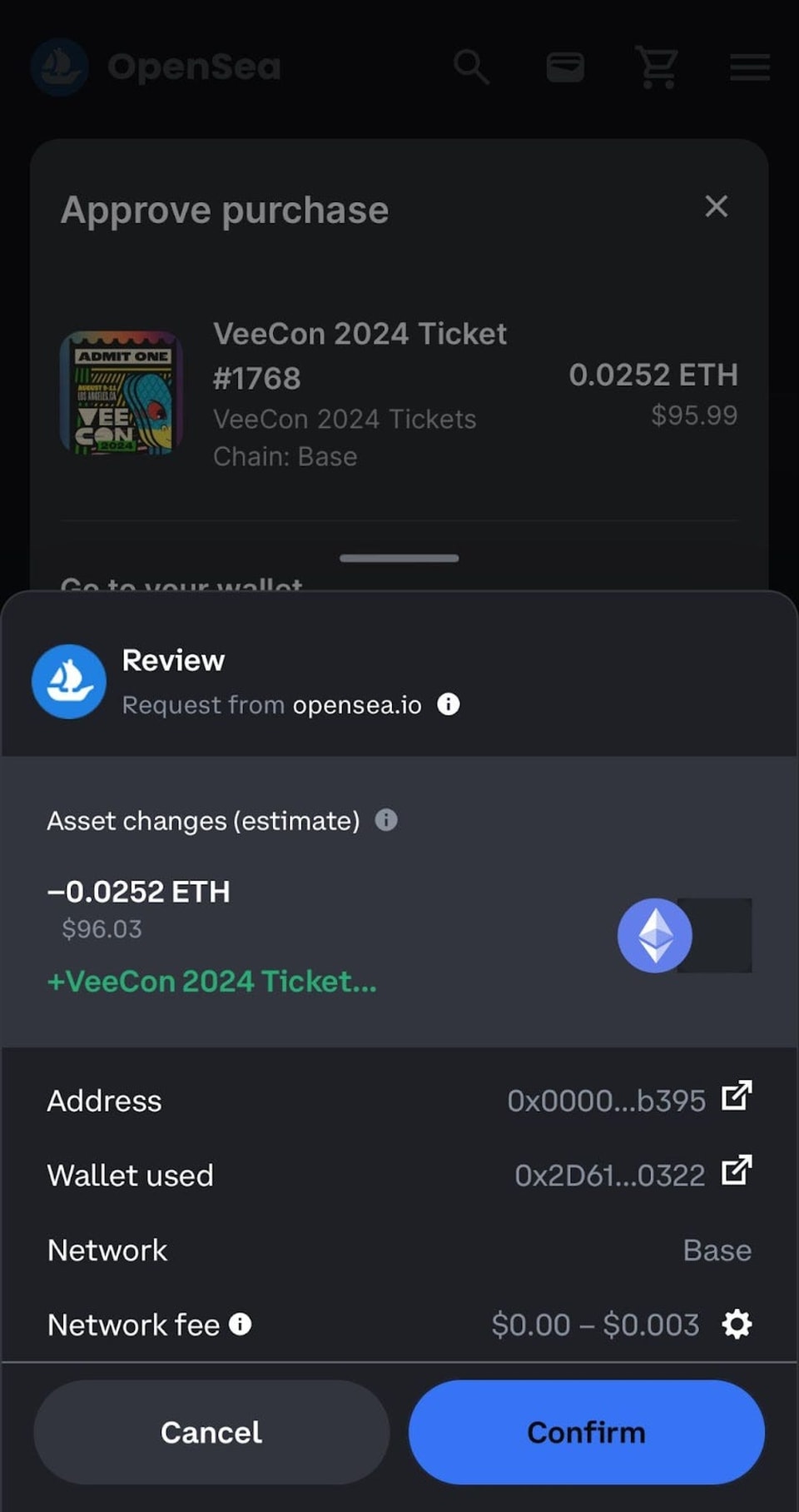
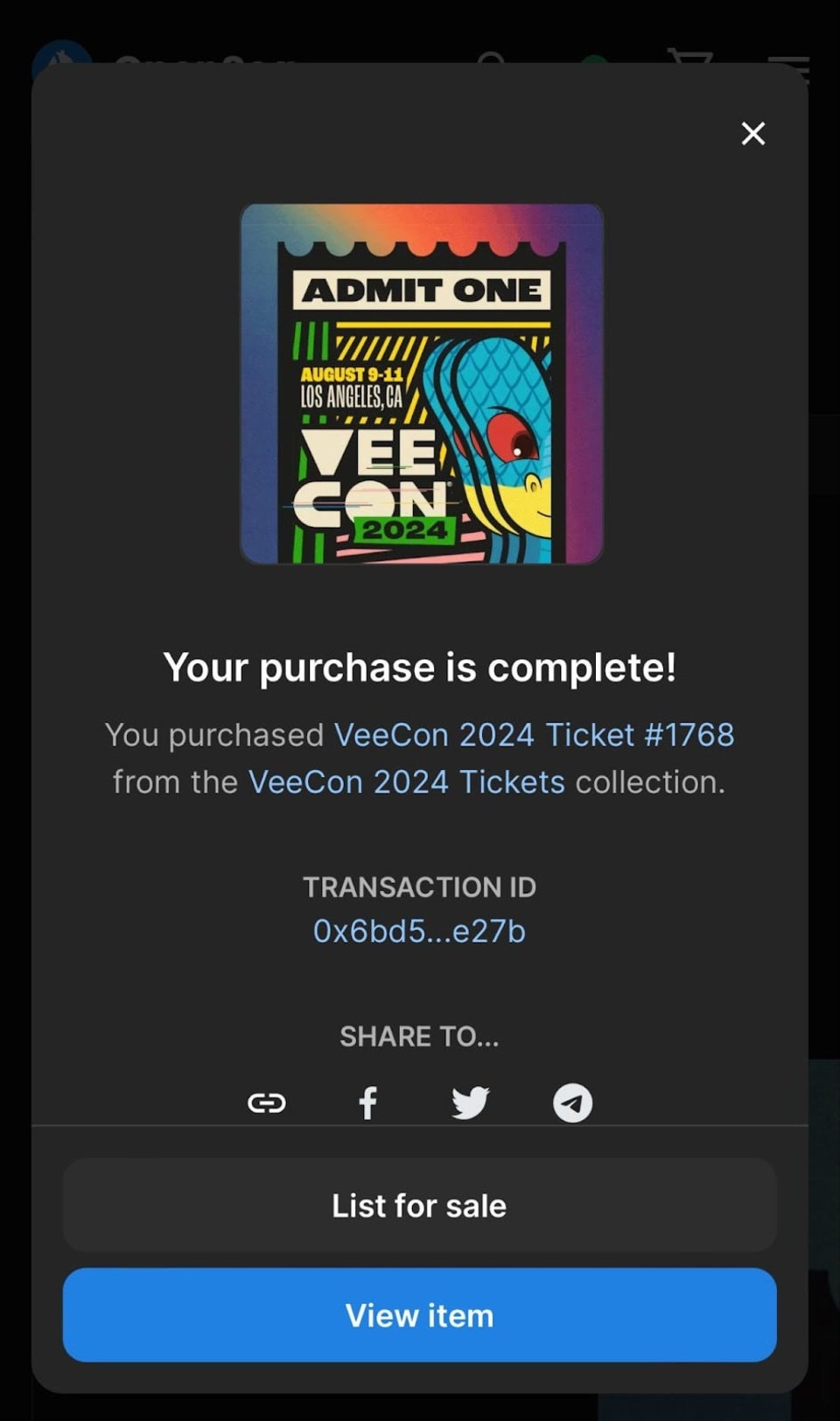

To further assist attendees, VeeCon offers a free support service, VeeConcierge. This premium service team can guide you through the process of purchasing a ticket on OpenSea using a credit card, from setting up a wallet to understanding the blockchain elements involved. You can book a personalized session HERE, ensuring that you receive the help you need to navigate this innovative ticketing platform smoothly.

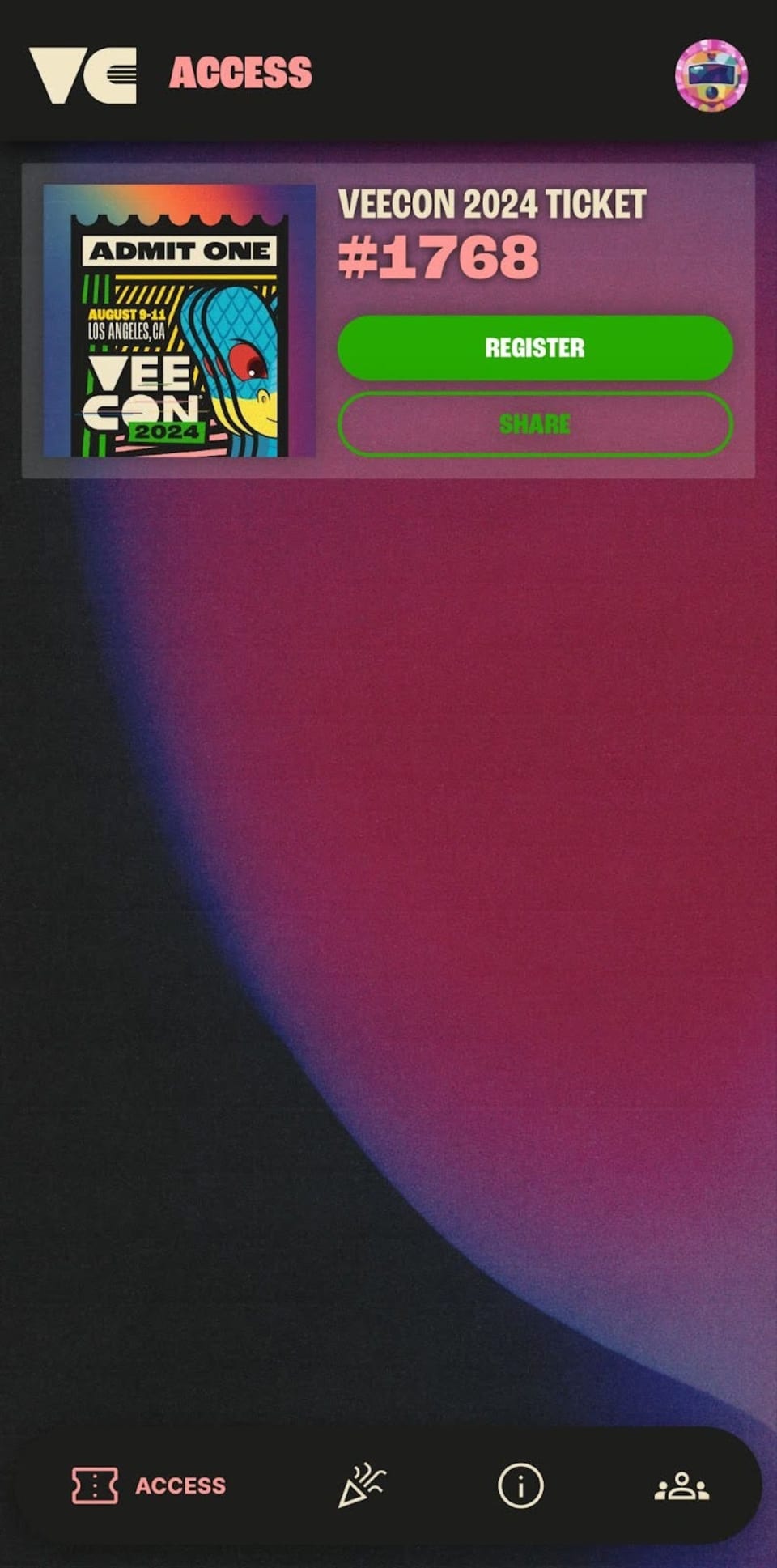
You've secured your VeeCon 2024 ticket — now it's time to register! Registration is mandatory, and once completed, you'll be able to add your ticket to your Apple or Google Wallet for convenience.
Visit VeeCon.Co/register now and follow the on-screen steps.
For more details on how to register read the guide for ticket registration.
VeeFriends Comic Book #4: Hunt For Harpik has finally arrived, taking readers on an epic quest through the Frowning Forest alongside the…

Introducing Topps VeeFriends Chrome 2025 — the first-ever Topps VeeFriends Chrome collection!

VeeFriends is returning to New York Comic Con 2025 in full force! Not only will attendees have the opportunity to purchase the following…

Be like Knowing Gnome - never miss exclusive VeeFriends updates, drops, and news! Get it all delivered straight to your phone by email and text!