







Collect the Spectacular. Introducing Super Stickers: Spectacular Series
The next chapter in the VeeFriends Super Stickers series has arrived. Released in August 2025, Super Stickers: Manga Series featured a…

VeeCon 2024 offers a unique opportunity to connect with like-minded individuals, gain insights from top-tier speakers, and participate in various engaging activities. VeeCon is unique because it is an NFT-ticketed event. VeeFriends Series 1 holders received tickets via airdrop and can now relist their NFT ticket on the secondary markets such as Opensea. Whether you're looking to purchase a ticket to join the excitement or sell your ticket to another eager attendee, OpenSea provides a secure and efficient platform for these transactions. This guide will walk you through the steps to buy and sell VeeCon 2024 tickets on OpenSea, ensuring you have a seamless experience in securing your VeeCon ticket.
As a ticket holder, you might want to sell your VeeCon 2024 ticket. This guide will walk you through the steps to successfully list and sell your VeeCon 2024 ticket on OpenSea.
Connect Your Wallet to OpenSea: Go to https://opensea.io/ on your web browser.
Initiate Wallet Connection: Click on the wallet icon in the top-right corner.
Select Coinbase Wallet: Choose "Coinbase Wallet" from the list of wallet options.
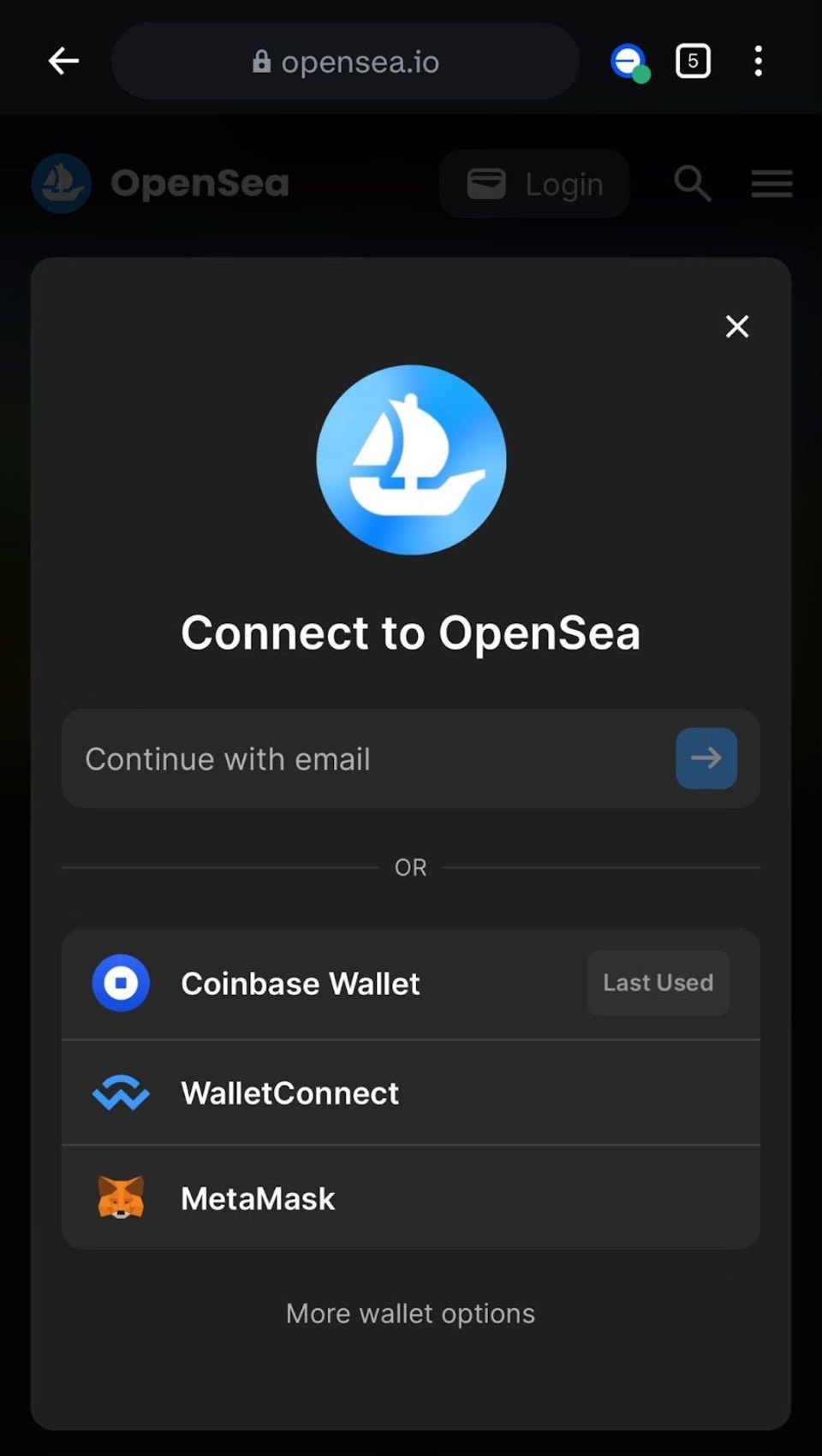
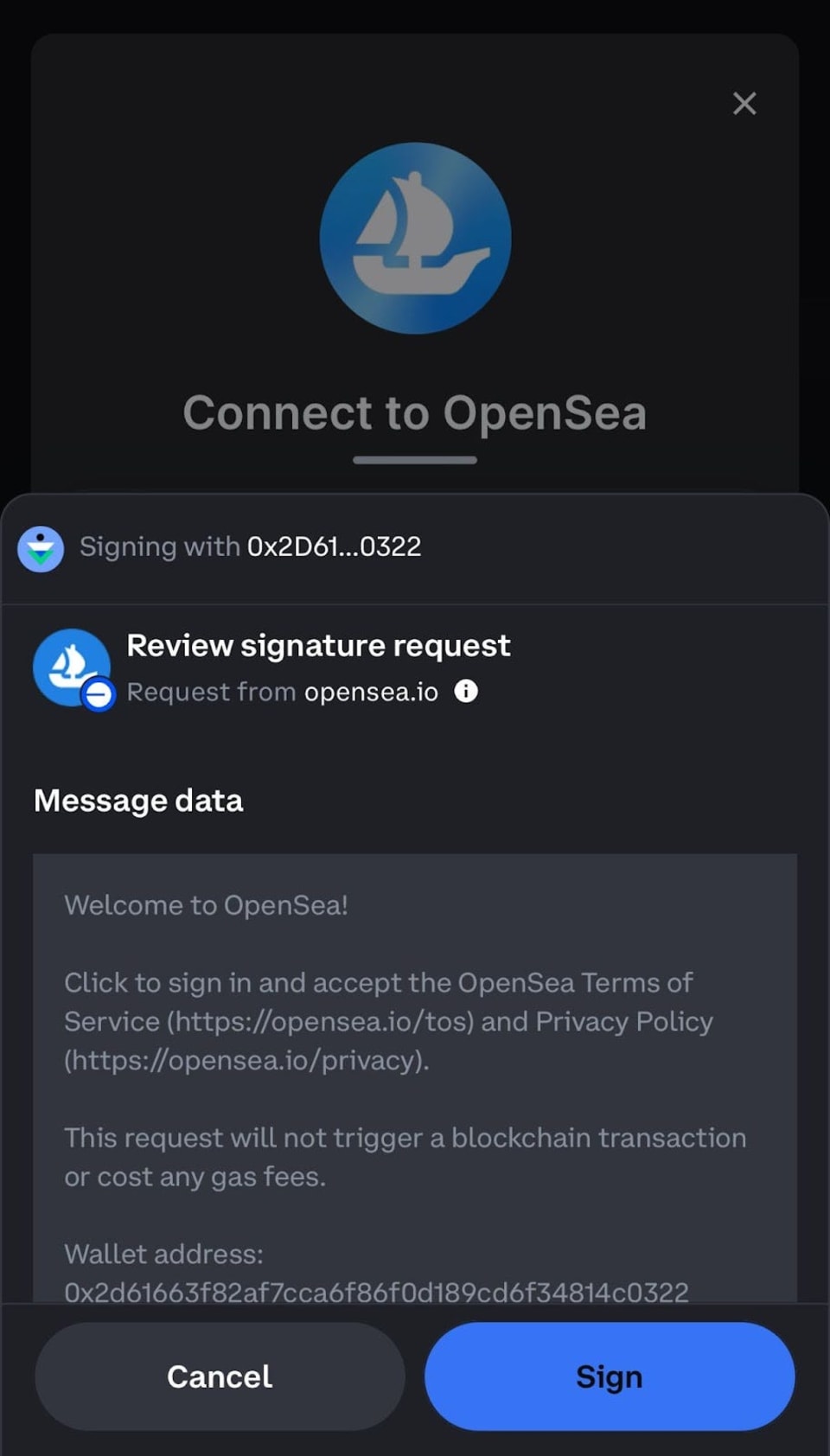
Switch to the Base Network: Once your wallet is connected, make sure you are on the Base network. You can switch networks in Coinbase Wallet by navigating to the network settings and selecting Base.
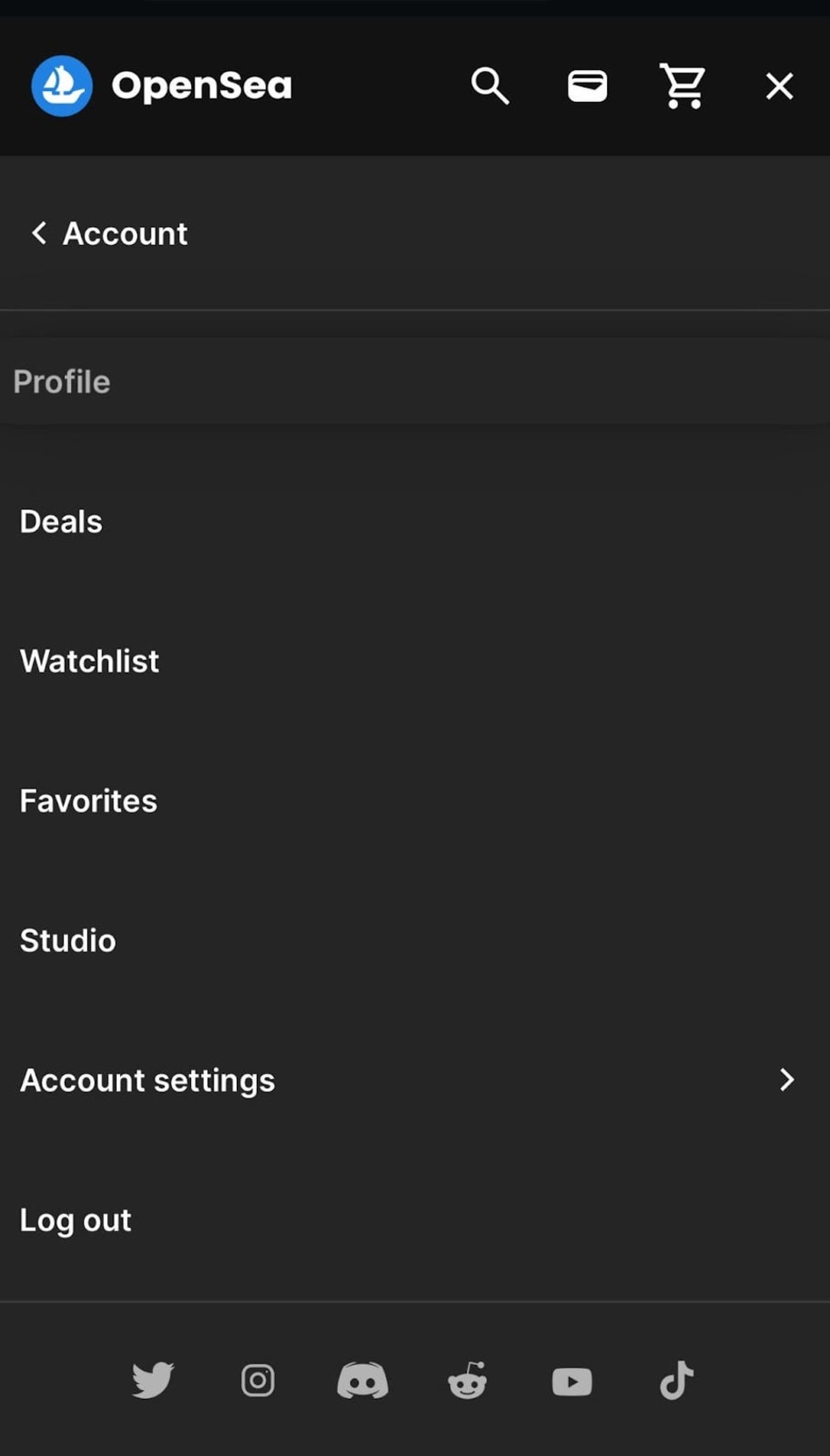
Access Profile: Click on your profile icon in the top-right corner of OpenSea.
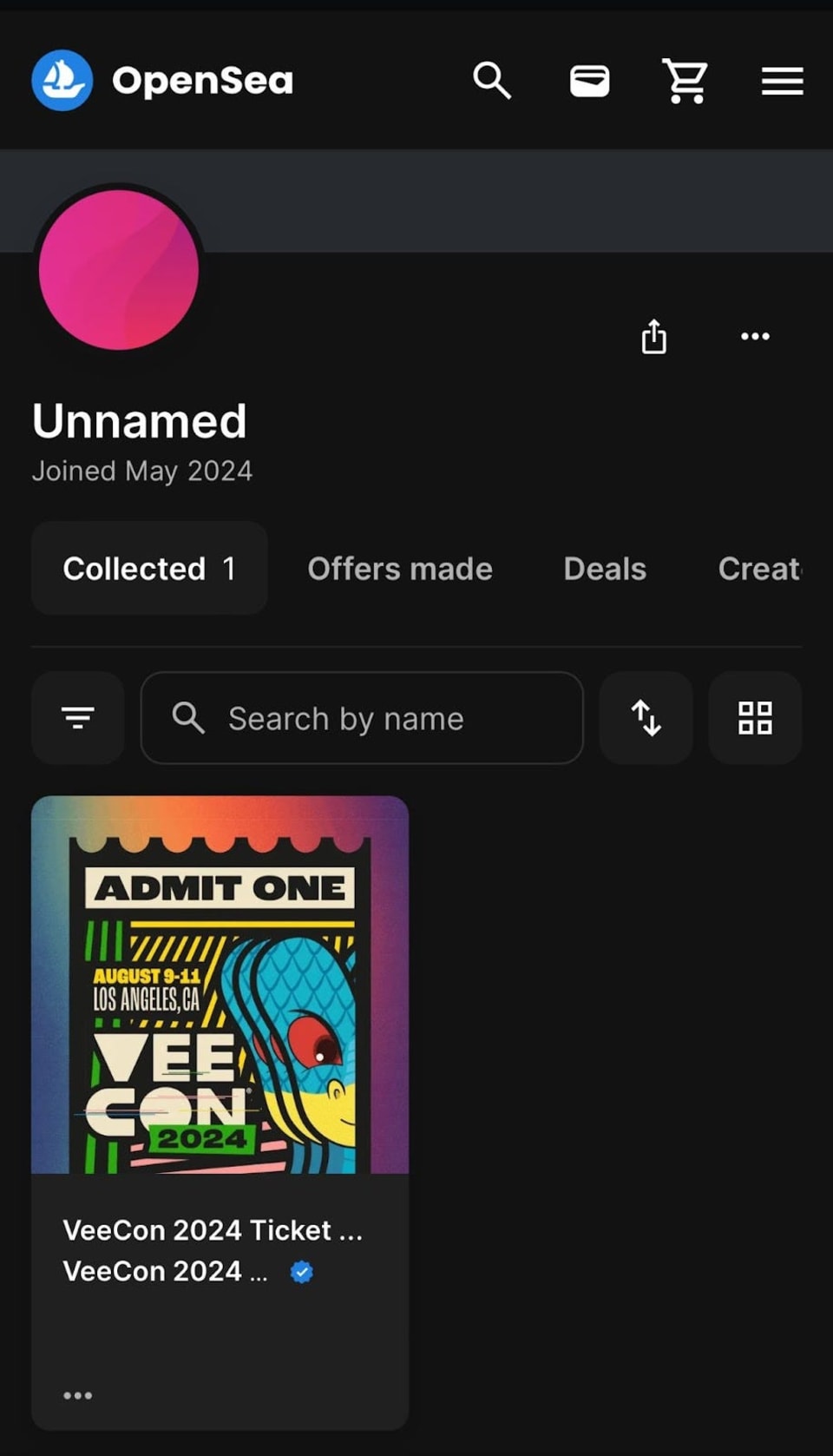
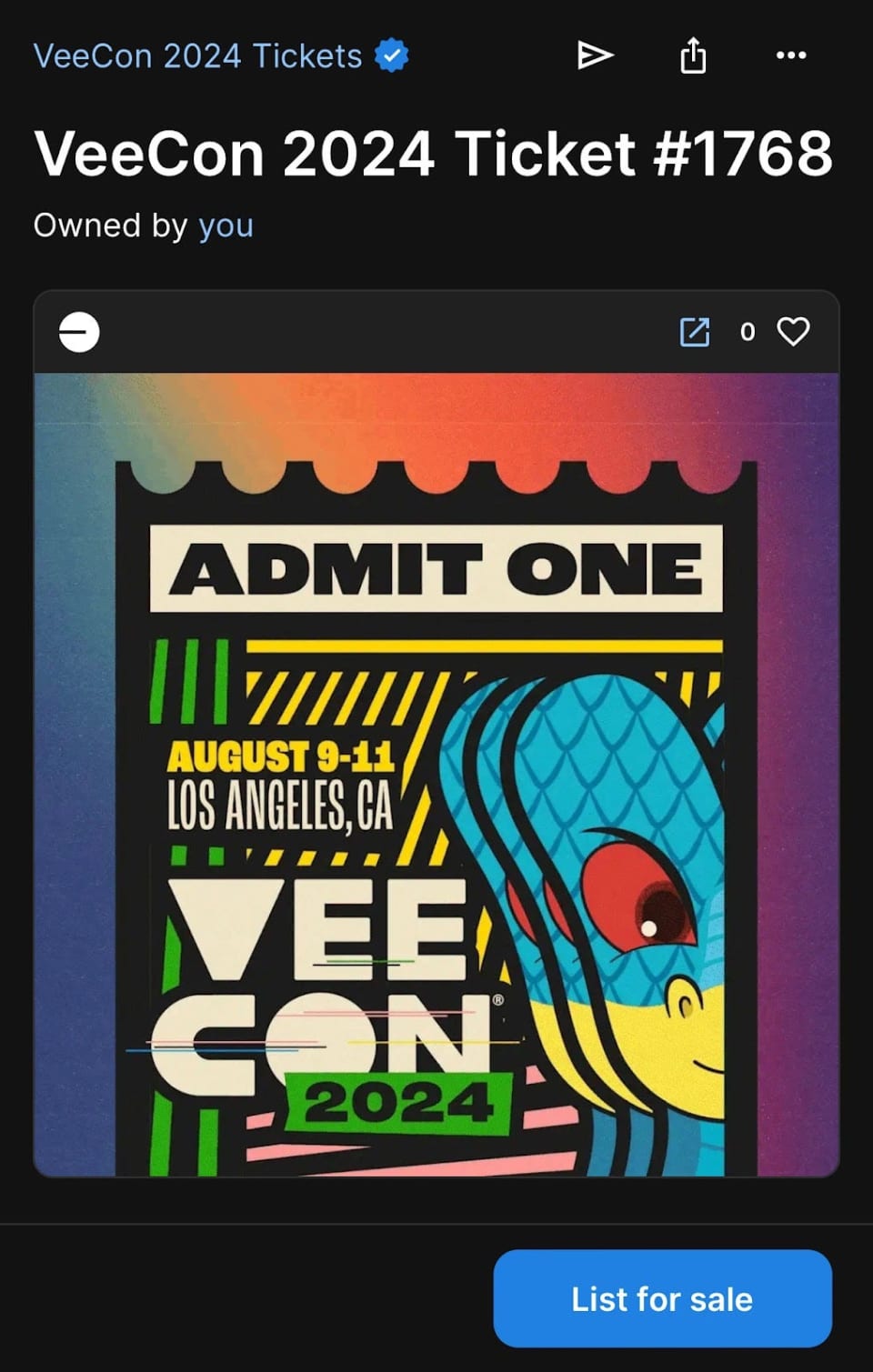
Initiate Sale: Click the "Sell" button on the top-right corner of the page or bottom right on mobile.
Choose Sale Type: Decide if you want to set a fixed price or run an auction.
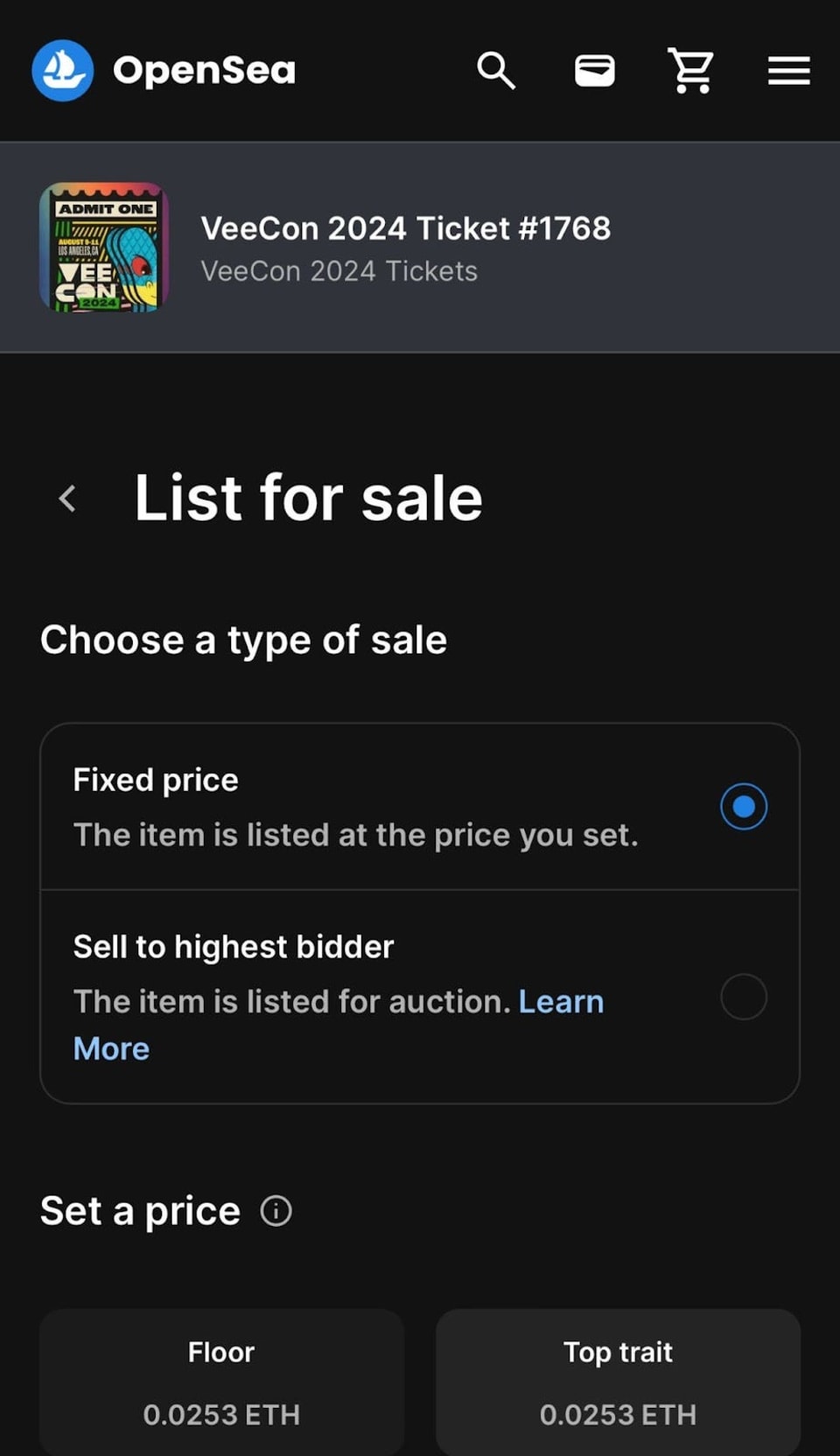
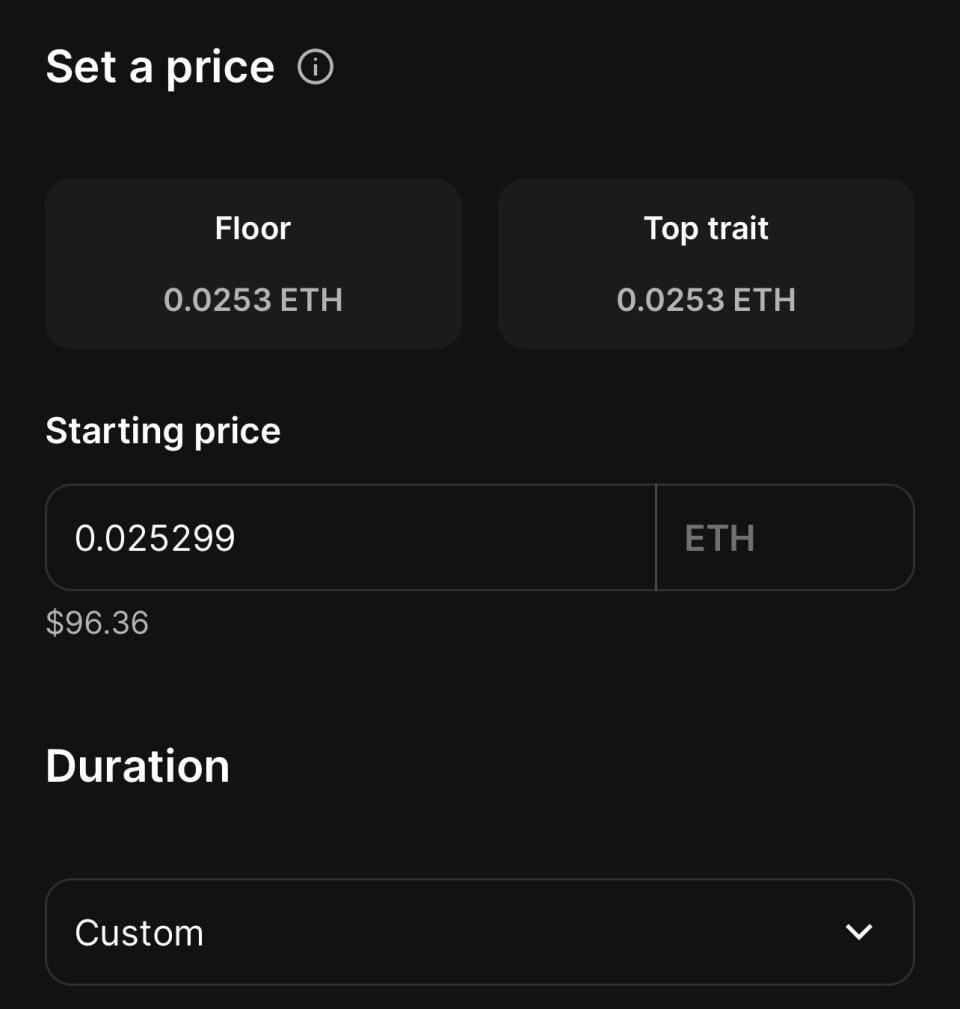
Enter Price: Enter the price at which you want to sell the NFT. You can choose to list it in ETH or another supported cryptocurrency.
Set Sale Duration: Specify the duration for which the sale will be active.
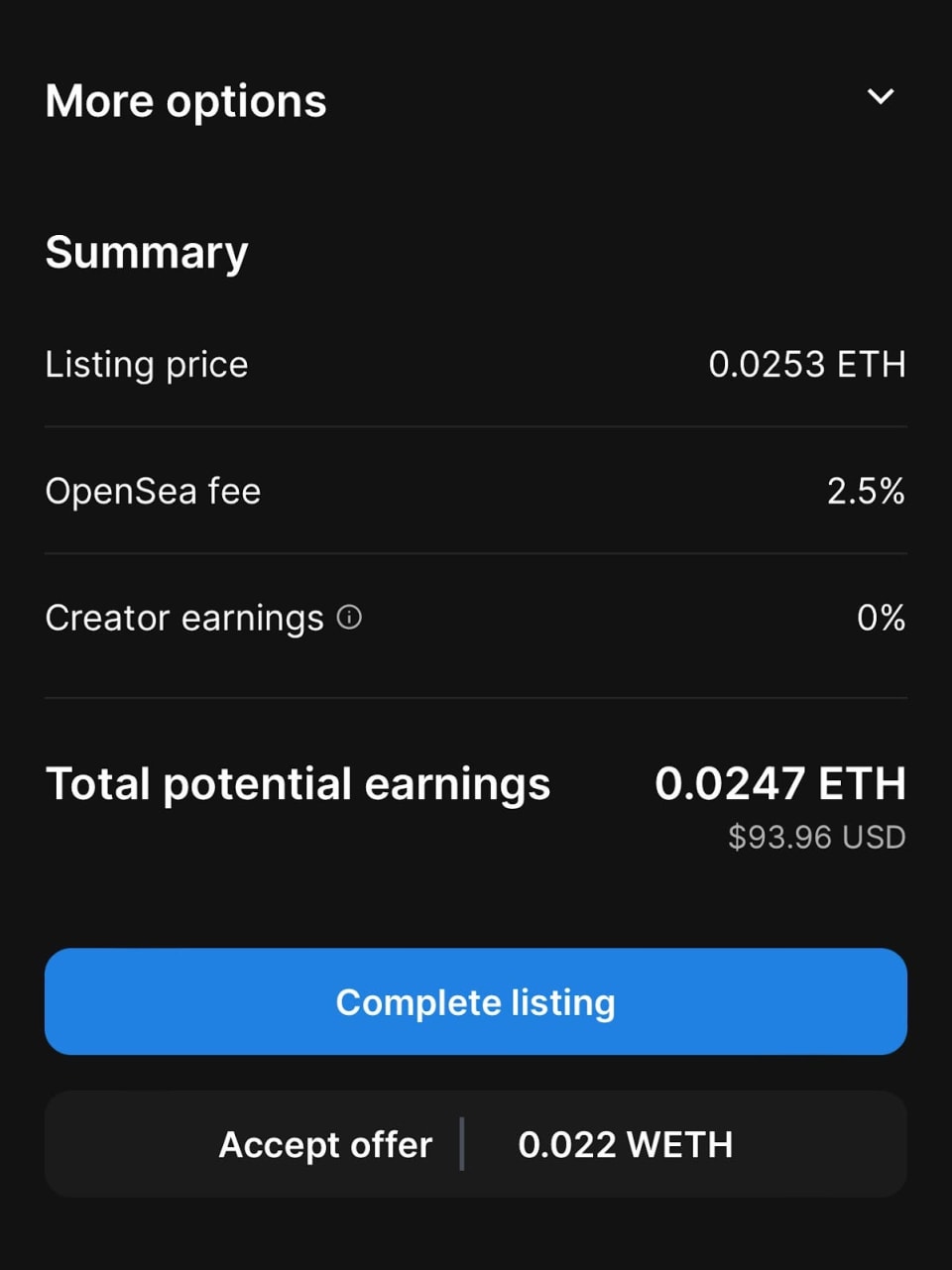
Finalize Listing: Click the "Complete listing" button.
Approve in Wallet: A prompt will appear in your Coinbase Wallet to approve the transaction. Review the details and approve it.
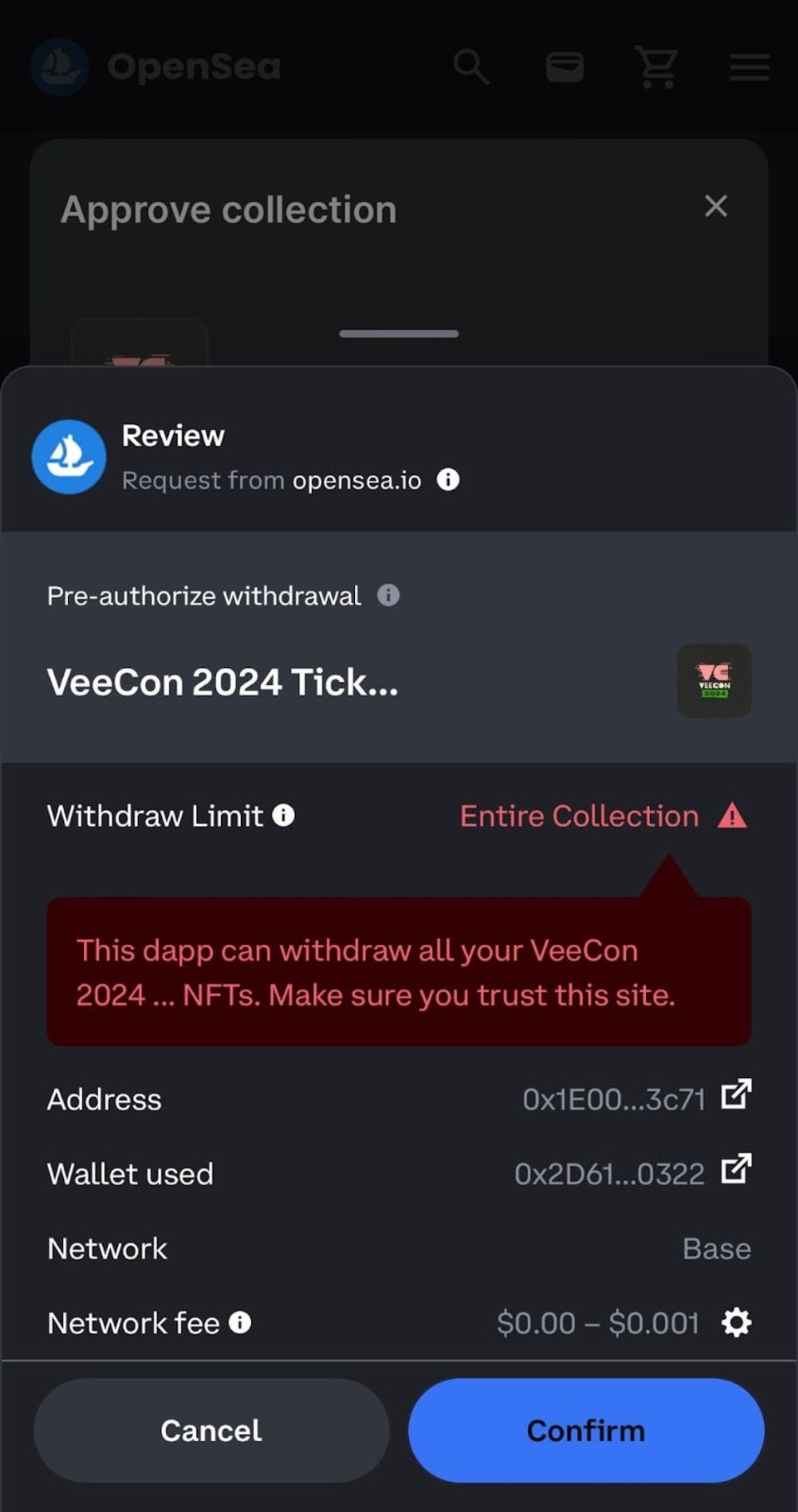
Pay Gas Fees: You may need to pay gas fees, which can vary depending on the network conditions.
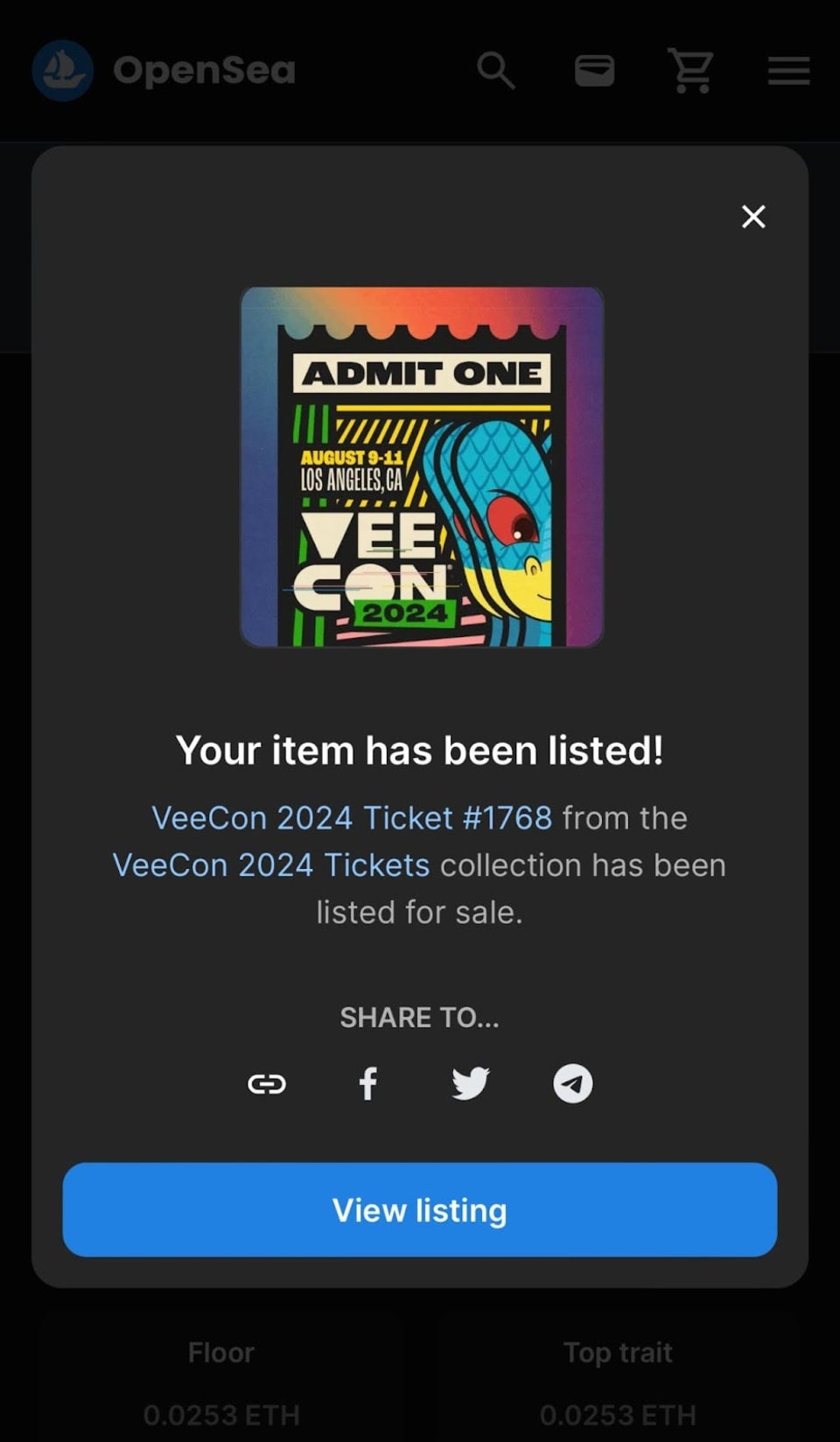
Confirm Transaction: Once the transaction is confirmed, your NFT will be listed for sale on OpenSea.
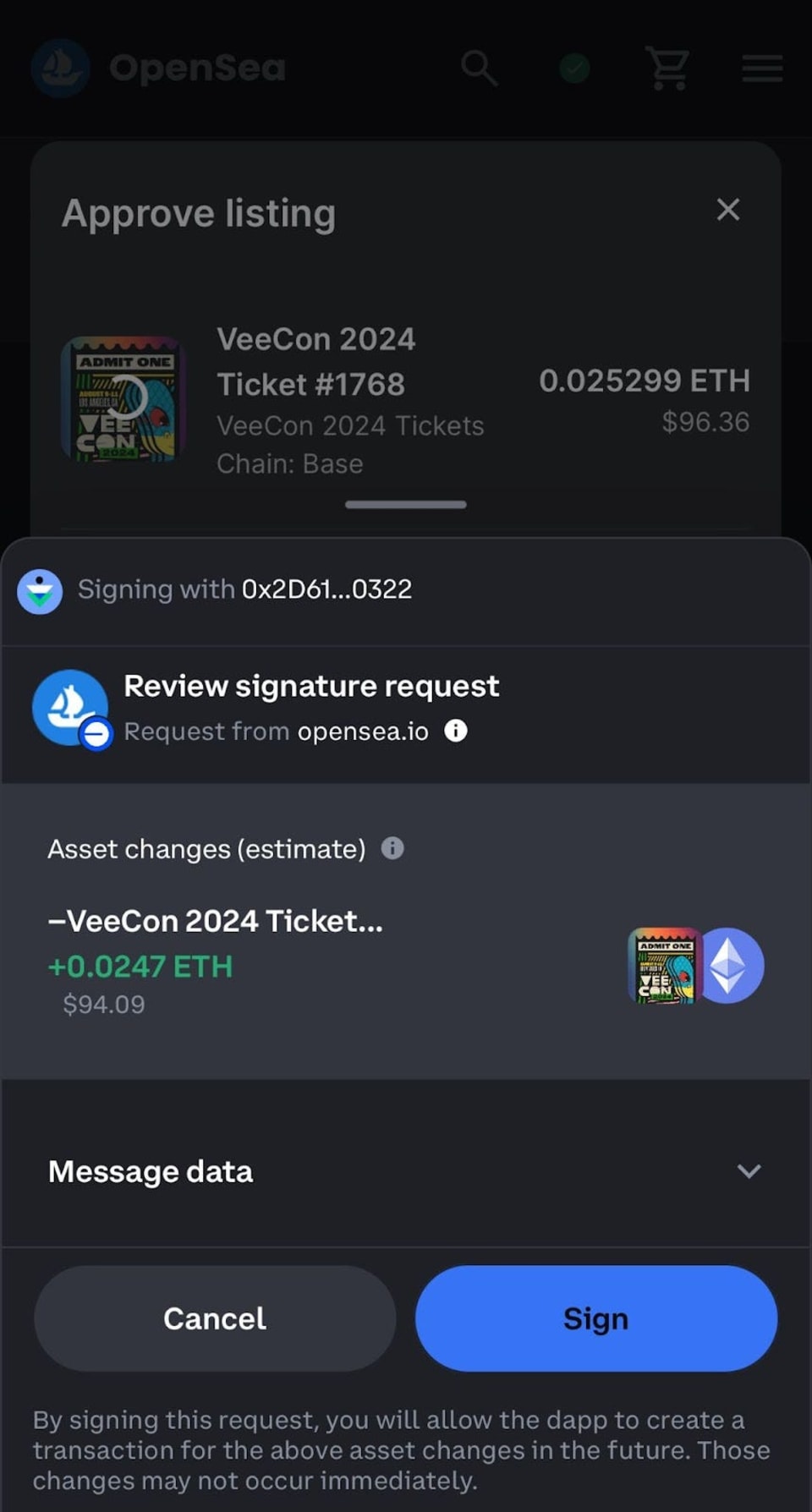
This year, VeeCon tickets are hosted on Base, a Layer-2 network by Coinbase. Using Base means lower transaction fees, faster processing times, and enhanced accessibility for attendees. In order to buy, sell, or transfer VeeCon 2024 tickets attendees will need to add the Base network to their crypto wallet.
For full details about using Base for VeeCon 2024 Tickets, check out:
The next chapter in the VeeFriends Super Stickers series has arrived. Released in August 2025, Super Stickers: Manga Series featured a…

A new chapter awaits for BOOK GAMES tokens. Immutable X (IMX) recently sunset its original architecture and moved to a zkEVM model. As a…
We’re excited to introduce the VeeFriends Wallet powered by Privy: a secure, onchain wallet built directly into your VeeFriends account…

Be like Knowing Gnome - never miss exclusive VeeFriends updates, drops, and news! Get it all delivered straight to your phone by email and text!