






Collect the Spectacular. Introducing Super Stickers: Spectacular Series
The next chapter in the VeeFriends Super Stickers series has arrived. Released in August 2025, Super Stickers: Manga Series featured a…
We all agree that safety, peace of mind, and an unparalleled user experience are the cornerstones of success for Web3 and its users, and that's exactly what we had in mind when creating a new sign-in process for the VeeFriends website.
Now on VeeFriends.com, whenever you need to use your wallet for token eligibility, claiming, or updating your user profile and contact information, you can do so with a simple username and password.
We have eliminated the requirement for connecting your wallet every time you access the VeeFriends website and improved our sign-in process by combining the benefits of Web2 with the advantages of Web3 to create an easy and secure user experience.
We are excited for you to access all the amazing features the site has to offer. The best part? The sign-up only needs you to connect your wallet One. Last. Time. Ever.
You only need to connect your non-custodial hot wallet ONCE to verify the VeeFriends tokens you own.
Username and Password login without needing to connect your wallet
VeeFriends Site has NO ACCESS to your wallets
Email Newsletter Sign Up
Text Message Sign up
Name
Socials
Shipping Address
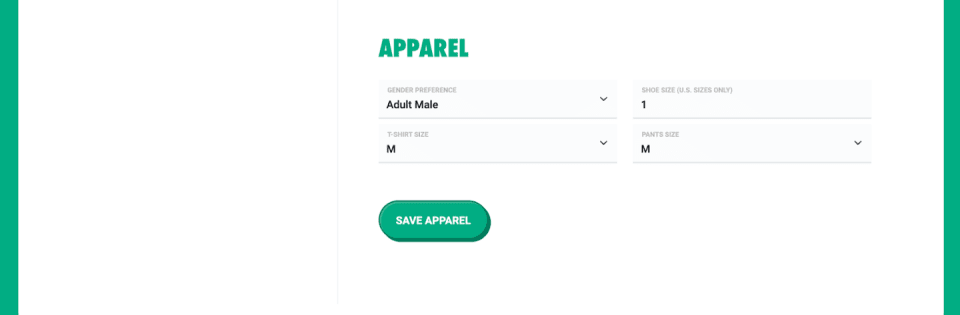
Apparel Sizing
We hope all these unique features built exclusively for the VeeFriends community create an ease-of-use user experience and help our community stay more connected with news and updates while safely and seamlessly claiming holder benefits.
Sign in with Gmail or Twitter, or click "Sign-Up with Email Address" to create a VeeFriends profile with a valid email address and follow the verification steps.
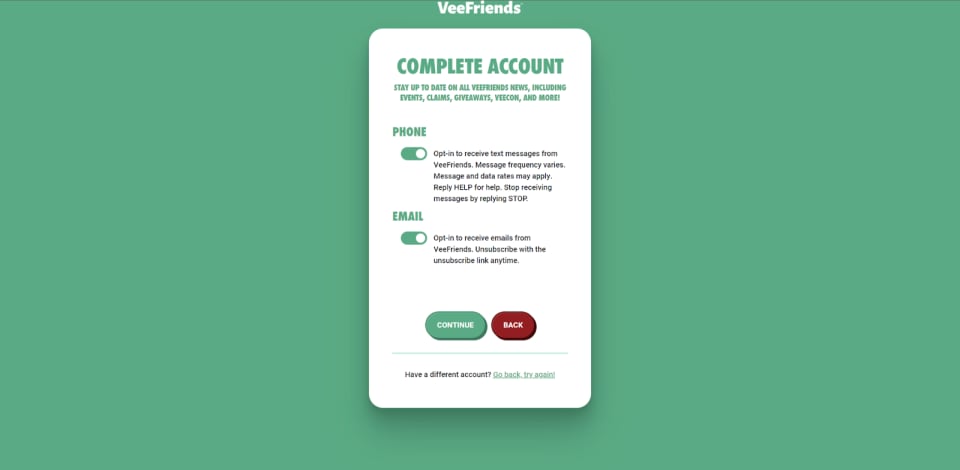
Once verified, you can create your profile by filling out your name and email. Additionally, you can opt-in to receive specific VeeFriends news via email and/or text!
As all accounts must be tied to at least ONE wallet, the site will prompt you to "Connect Wallet" that you would like associated with your VeeFriends profile. Have multiple wallets? No problem. You can connect multiple wallets (hot/cold wallets) to your VeeFriends account. Once connected, they will not need to be linked again!
Note: When connecting, you are not permitting VeeFriends to make ANY transactions on your behalf. The VeeFriends Wallet Connect feature simply scans your wallet for what NFTs you own.
When creating or signing in to your VeeFriends Profile, you can easily link wallet(s) to your account! See below for the process of connecting hot and cold wallets.
For more information on connecting your Hot Wallet visit our blog post HERE
Cold wallets are NEVER connected to the VeeFriends site. Yes, you read that right. You can link your cold wallet to your VeeFriends Profile without connecting to the website or requiring a signature. See the step-by-step guide below.
To link your Cold Wallet without connecting to the website, you will complete a process called Trial Deposit. A trial deposit uses a minimal, randomly generated amount of ETH (less than 0.001 USD, not including gas) to allow the advantage of wallet verification without connection.
When verifying, the user will be presented with the trial deposit and required to send it from their Cold Wallet (the exact amount shown on our website) to our company-owned and operated verification wallet (veefriends-verify.eth). If you are using Ledger Live you may want to copy full address (0x2Acd8791623353967BE3464D856f3A26E68Ab439). Once received, you will have successfully tied your account to your wallet!
NOTE: We recommend you copy and paste the values needed from the website into your wallet and send the exact amount of ETH required to verify!
Additionally, all received trial deposits will be donated to VeeFriends Charities. If all 27,757 unique VeeFriends token owners (not including book games) sign up through a cold wallet, VeeFriends will receive .25 ETH (27,757 users * .000009 ETH (max possible transfer fee)). If we go extremely bullish, say, 100,000 cold wallets connect…We are still below 1 ETH.
(100000 * .000009 (max possible transfer fee) = .9 ETH) and all deposits will be to your help donated to Charity.
Once the unique amount of ETH is sent and received by your cold wallet address, your VeeFriends Profile will have your Cold Wallet successfully linked, all without having to connect to the website!
NOTE: You can add/remove wallets associated anytime under the Wallets section under Edit Profile.
For more information on linking your Cold Wallet visit our blog post HERE
Once you complete VeeFriends account initial setup, you can explore the "Edit Profile" section for your VeeFriends account.
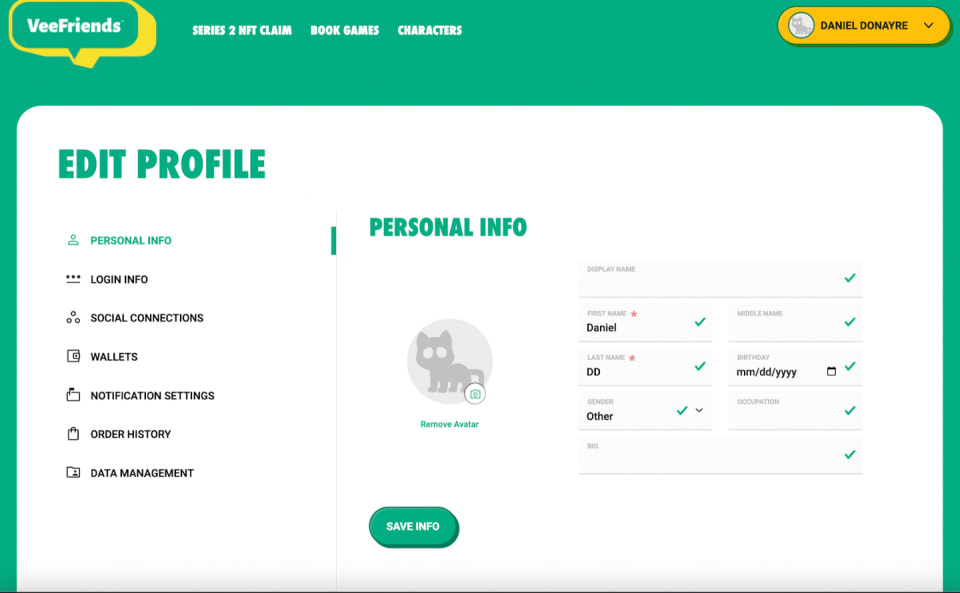
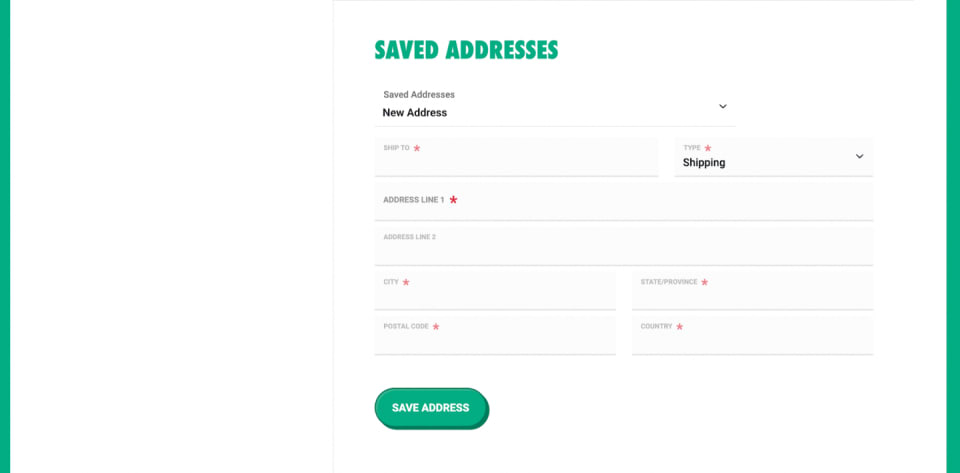
You will be prompted to fill out three sections in the Personal Info section. First, you can add personal info to your profile, like your display name, birth date, occupation, and bio. If you do not add Display Name, it will input the First and Last Name into the profile. Next, you can enter your mailing/billing address and apparel size-fitting details.
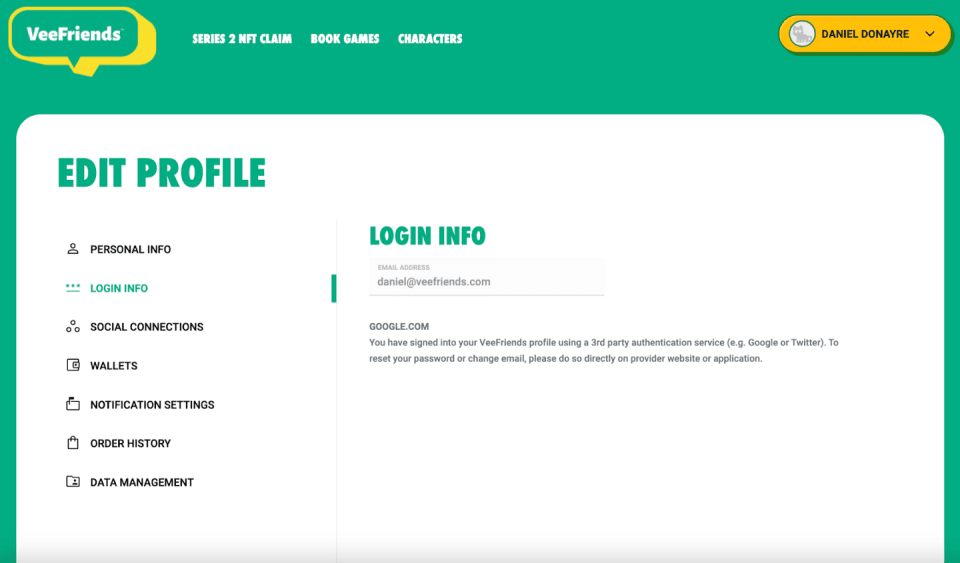
In this section, you will see what email address/login information you use for your VeeFriends profile.
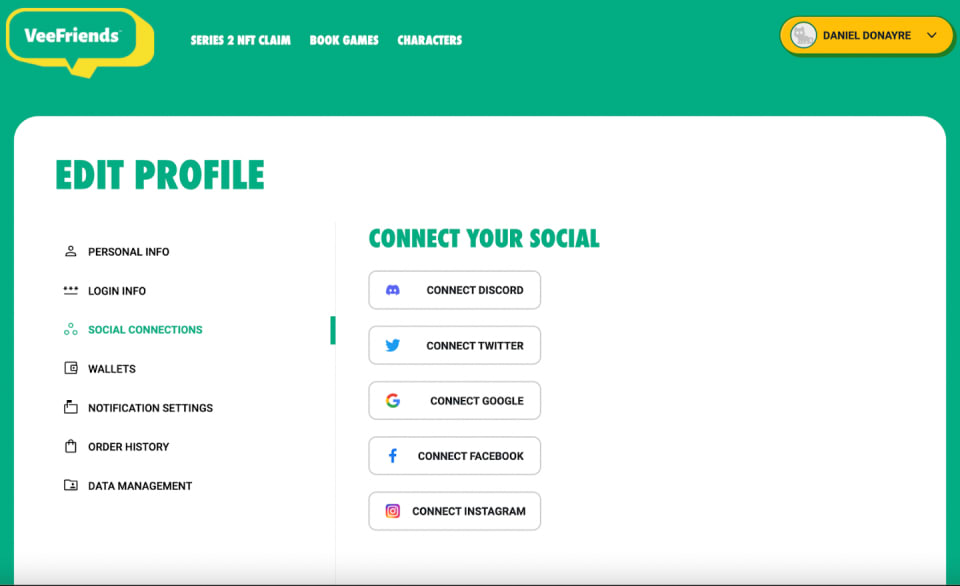
You can also connect any of your social accounts to your VeeFriends profile under the social connections section.
Please follow the below 5 steps to receive your VeeFriends Discord roles based on tokens owned.
Step 1: Connect all your wallets containing a VeeFriends NFT to your profile using the wallets sections.
Step 2: Click on Social Connections.
Step 3: Click Connect Discord. This will open a screen asking for view permission of your Discord username and ID.
Step 4: Click allow.
Step 5: Wait 10–15 minutes for the role to be assigned.
Note, If you remove the Discord account linked to your VeeFriends profile, you will lose any roles assigned to you based on ownership. Additionally, linking or unlinking a wallet will also trigger the reassignment of roles. Our system automatically assigns roles based on transfers, which may take up to 15 minutes for the role assigned to take effect after purchase. If the role assignment does not occur, disconnect and reconnect your Discord account with the steps above.
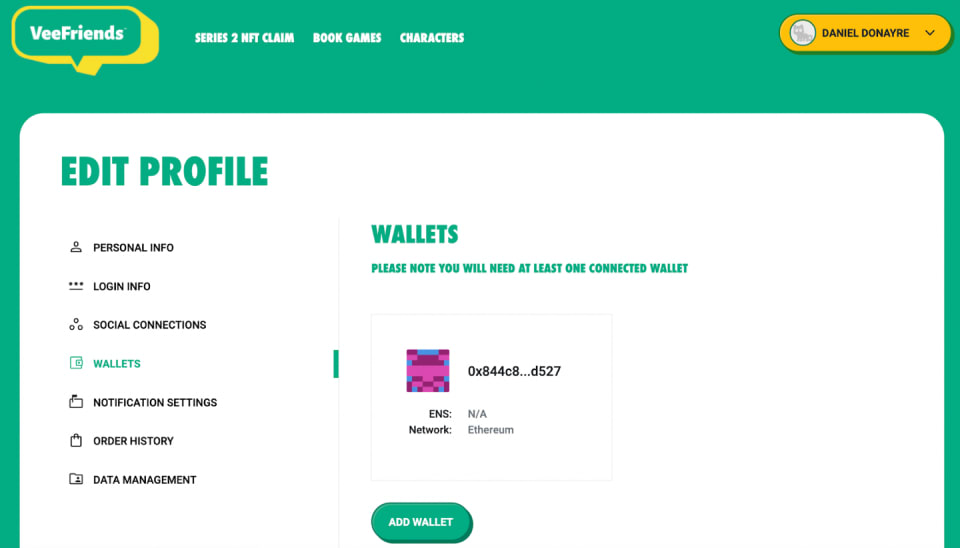
Under the wallets section, you can add one or more wallets linked to your VeeFriends profile. After you link your wallet(s) once, you won't have to connect your wallet again! This will immediately associate your wallet(s) to your VeeFriends profile, and you can claim any benefits/experiences simply by logging into your VeeFriends profile.
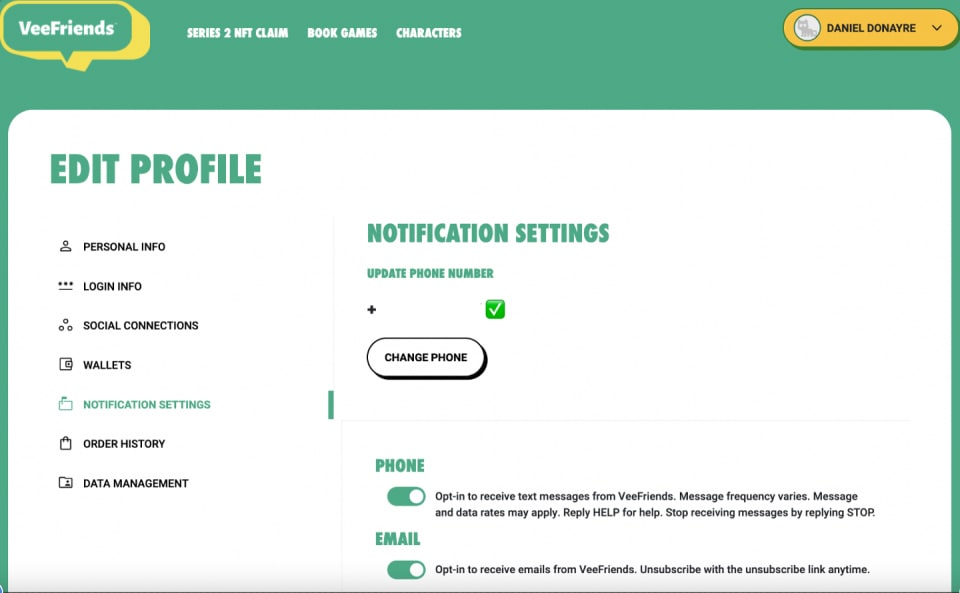
Want to stay up to date on VeeFriends? Under Notifications Settings, you can opt-in to notifications via phone and/or email!
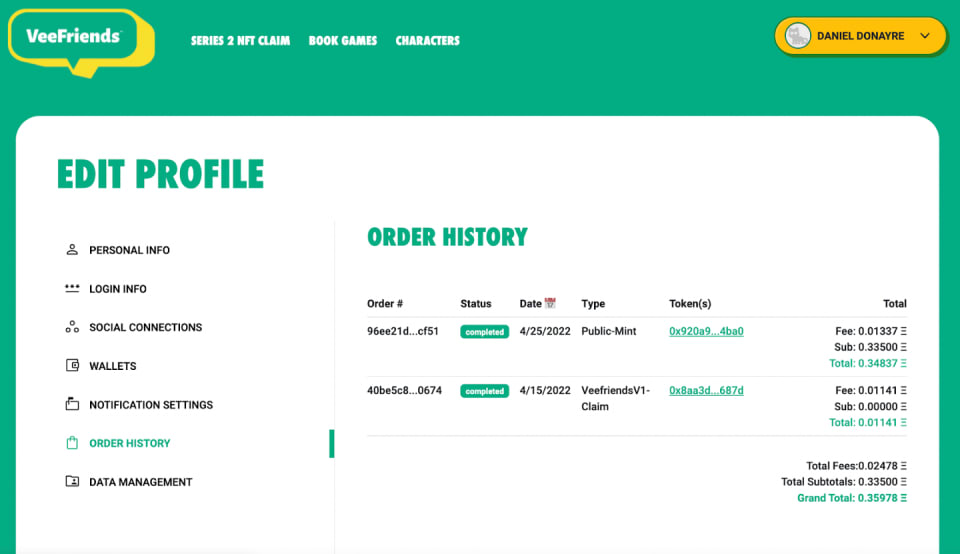
Here, you will see any orders associated with your VeeFriends profile. For example, below, you will see VeeFriends Compete & Collect orders associated with this account.
No, if your account was stolen/hacked, they won't be able to take your NFTs out of your wallet because your NFTs are stored on the blockchain and not on our website. The beauty of having a VeeFriends account is not to have a direct connection to your wallet to avoid the risk of losing your NFTs. However, If someone has your login info, they WILL be able to claim your tokens access/utility.
Yes, as part of the tech update, all users must register to the new veefriends.com site. If they had data (e.g. shipping and apparel sizes) from the old website, that information would carry over when you register with the same email account.
Yes, all future holder benefits/claims will require a VeeFriends Sign-In profile, with eligible wallet(s) to be linked to that associated account profile.
Yes, you can link multiple wallets to your VeeFriends profile! Follow the same steps above for all hot/cold wallets you want to link to your profile.
No problem! You may use any email address you'd like while creating your VeeFriends profile account and do not have to provide any additional information. It is important to note that to claim any VeeFriends benefits, we will require some personal information to fulfill shipping claims and/or RSVP for access events.
Don't worry. We are here to help! Our Community Support team will be available to assist when you send an email to support@veefriends.com
We have created a dedicated blog post for General FAQs, which can be found HERE
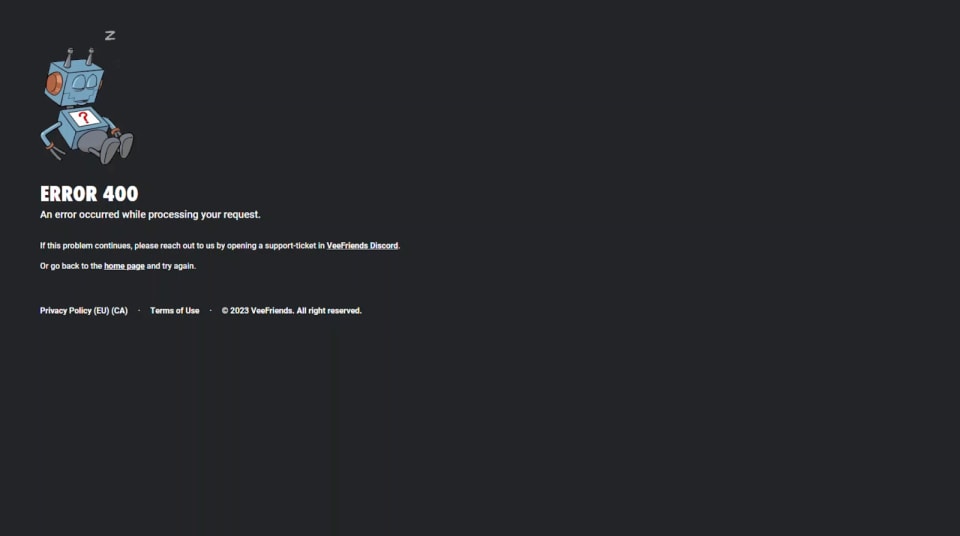
If you're presented with an error 400 page with a Rare Robot, your browser has cached or contains invalidated cookies. To fix this issue, please clear your cache and cookies and try again. A link on the air page will take you back to the homepage to try again.
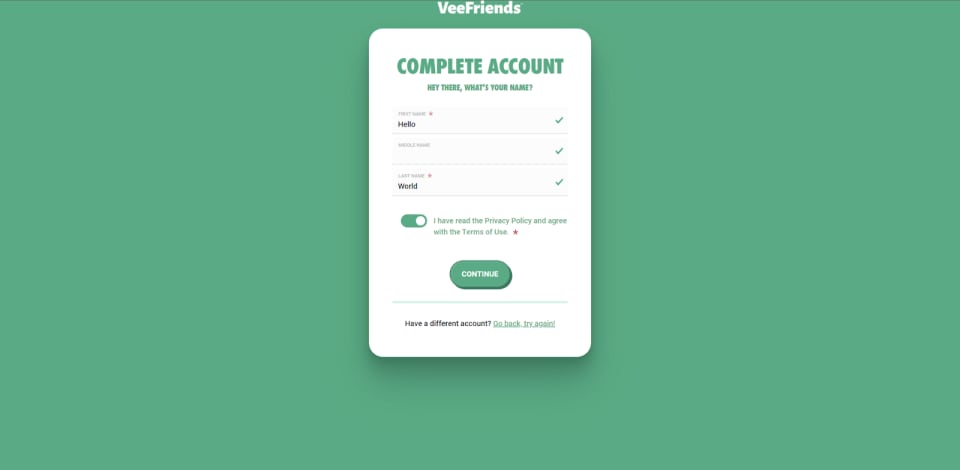
During the registration process, if you cannot continue to the next "create account" page, please ensure all the required fields are provided on the current page. This means your first name, last name, and terms of use and privacy policy agreement are checked or provided.
If you've decided to opt into phone, text messaging, and email communication, please understand that phone requires you to verify your account, provide your phone number, and click verify. The verification process includes sending a text message or calling your device by providing your verification code. This is to ensure that you are the true owner of the device.

If you've forgotten your password at any point, click the sign-in button and navigate to the bottom where it says "forgot your password." Follow the screens to reset your password.

If you have any other problems send an email to support@veefriends.com. Our Community Support team will be available to assist you!
We have created a dedicated blog post for Tech Issues which can be found HERE
The next chapter in the VeeFriends Super Stickers series has arrived. Released in August 2025, Super Stickers: Manga Series featured a…

A new chapter awaits for BOOK GAMES tokens. Immutable X (IMX) recently sunset its original architecture and moved to a zkEVM model. As a…
We’re excited to introduce the VeeFriends Wallet powered by Privy: a secure, onchain wallet built directly into your VeeFriends account…

Be like Knowing Gnome - never miss exclusive VeeFriends updates, drops, and news! Get it all delivered straight to your phone by email and text!