


Collect the Spectacular. Introducing Super Stickers: Spectacular Series
The next chapter in the VeeFriends Super Stickers series has arrived. Released in August 2025, Super Stickers: Manga Series featured a…
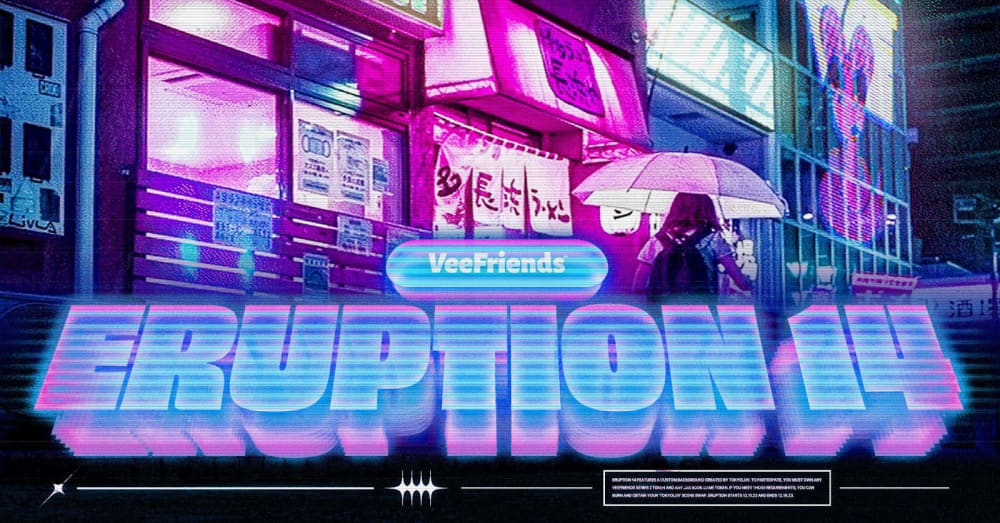
Embark on an exciting digital journey with TOKYOLUV's Scene Swap in Eruption 14! This exclusive opportunity offers JAS BOOK GAMES token holders a chance to immerse their VeeFriends Series 2 tokens in a mesmerizing blend of tangible and virtual artistry. Emblematic of TOKYOLUV's artistic evolution, this exclusive scene promises to transport swappers into a futuristic dreamscape, capturing the dynamic essence of Tokyo's streets amidst a rain-soaked night with VeeFriends.
Eruption 14 is an exclusive Scene Swap on Burn Island for JAS BOOK GAMES token holders. This is the second out of three Scene Swaps exclusively for JAS holders and will feature art by TOKYOLUV. To be eligible, participants need to hold a VeeFriends Series 2 token and a JAS BOOK GAMES token. The reward for this exclusive event is the coveted "TOKYOLUV" Scene.
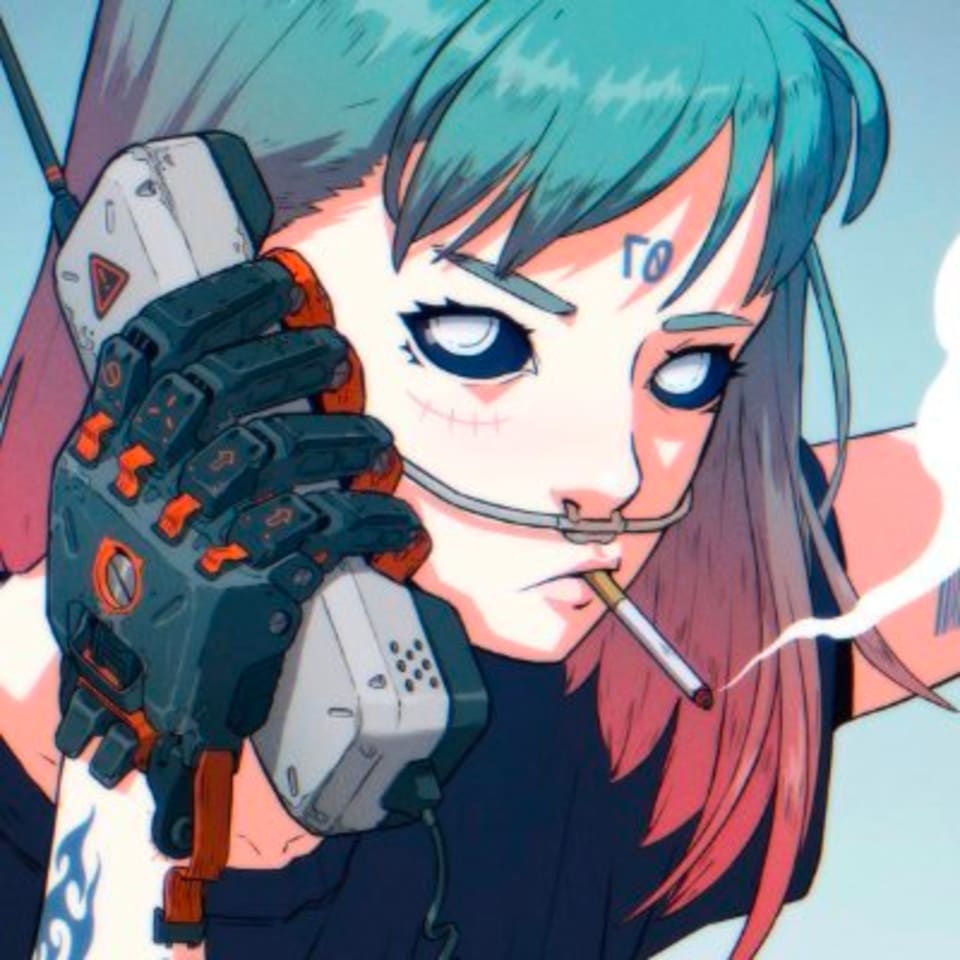
TOKYOLUV, a Canadian digital artist hailing from Montreal fuses photography with digital animation to craft a unique style of digital collectible. Commencing his artistic journey in Tokyo, he drew early inspiration from fellow photographers and began incorporating subtle animations like blinking lights. This evolved into a captivating cyberpunk aesthetic, influenced by the dynamic streets of Tokyo. TOKYOLUV aims to encapsulate the city's essence, envisioning futuristic scenes with holograms and immersive effects. Beyond Tokyo's visual stimuli, his inspiration extends to diverse media, contributing to the continual evolution of his style. Emphasizing the fluidity of his artistic approach, he anticipates that future creations will diverge from his current work, representing an ongoing process of experimentation and growth.

"TOKYOLUV" is a mesmerizing digital artwork by TOKYOLUV that seamlessly blends the tangible and the virtual. In this composition, the artist skillfully integrates VeeFriends holograms. The scene is set against the backdrop of a rain-soaked Tokyo night, beautifully captured through the lens of the artist's camera. The deliberate choice of a nighttime setting adds a touch of mystique, with raindrops reflecting the neon lights, creating a captivating layer to the scene. The composition is strategically framed to highlight the VeeFriends Series 2 character amidst a symphony of animated elements, including a glitching VeeFriends logo and a VeeCon Viper. The result is a visually stunning and imaginatively rich artwork that invites viewers into a cyberpunk dreamscape where the boundaries between the physical and digital realms blur seamlessly.
Mark your calendars for an exclusive conversation with GaryVee & TOKYOLUV on Thursday, December 7th at 7:15 PM EST. Join us on Twitter Spaces for a live discussion with the artist behind the mesmerizing "TOKYOLUV" Scene. Don't miss the chance to dive deeper into the creative process, inspirations, and the future of digital art. Reading this after Thursday? The link below works for the recording as well!
https://twitter.com/i/spaces/1mrGmyOjADkGy
If you are unsure which tokens you want to swap, we encourage you to utilize our Scene Swap preview generator at veefriends.com/swap-preview. Here you can input ANY token ID from Series 2 and see how it would look scene swapped. To generate previews, there's NO NEED to sign into an account or connect a wallet. Due to the size of the file for "TOKYOLUV" swap previews may take more time than usual to load. You may need to refresh the page.

TYPE: Scene Swap
WHO: JAS BOOK GAMES token holders
REQUIREMENT: Hold Any (1) VeeFriends Series 2 token and Any (1) JAS BOOK GAMES token
Series 2 Spectaculars and Actively Competing poses are not eligible for this Scene Swap.
BURN: Any (1) JAS BOOK GAMES token
PRIZE: "TOKYOLUV" Scene
Duration: 7 days
Eruption Start: Monday, December 11 at 12PM EST
Eruption End: Monday, December 18 at 12PM EST
ENTER Burn Island Eruption 14: https://veefriends.com/burn-island
NO PURCHASE NECESSARY
Note: You must turn off your pop up blocker when burning your BOOK GAMES token to allow the IMX widget to pop up and complete the burn.
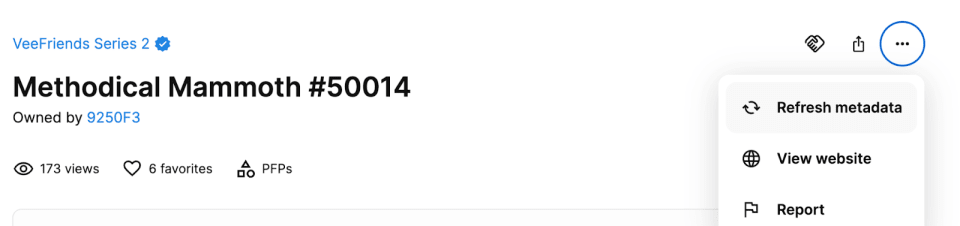
Due to file size of this dynamic scene, Scene Swaps may take longer than usual to appear on platforms such as OpenSea. To expedite this process, please manually trigger a metadata update on your token on OpenSea.
Scene Swap is an incredibly easy process, just follow the steps below and you should have no issue with the lava flow of metadata changes that will occur:
Begin by accessing Burn Island at https://veefriends.com/burn-island
Verify your eligibility by logging into your account and clicking "Check Eligibility"
If you qualify, you will receive a prompt to proceed to the next steps, click "Proceed"
Choose the token(s) you wish to burn and acknowledge the Terms and Conditions
Handpick your eligible Series 2 Tokens for Scene Swap!
After you make your selection, you will be redirected to a 'Preview Page' where you will be able to see the potential final products of your burn-scene swap — click 'Accept' if you are satisfied with the changes you are about to make to your token backgrounds.
Key points to keep in mind when burning BOOK GAMES tokens via IMX:
You'll need access to the wallet holding your BOOK GAMES token to complete the burn
IMX burns work on desktop only
Please have all tokens being burnt in the same wallet at the time of burn
Please Note: One swap will be available for each unique character pose. Holders of the same character can only swap if their pose differs from those already swapped. Tokens that have already had their combo pose/background swapped will appear in the "Ineligible Tokens" section of the token selection screen.
Scene Swaps are a unique way to transform your VeeFriends Series 2 token(s) artwork by changing the background scene through Burn Island. VeeFriends will collaborate with various artists and brands to create exclusive Series 2 Scenes, allowing Eruption participants to alter the appearance and metadata of their tokens permanently.
*It's important to note that your Series 2 NFT will NOT be burned. You will, at times, be required to burn a different VeeFriends token such as BOOK GAMES, or other eligibility requirements, while some swaps may not require a burn to change your existing Series 2 NFT Scene and related metadata properties information. The choice of change falls within your hands, you choose your own destiny. If you do not participate in Burn Island "Scene Swaps," no metadata altering will happen, and your Series 2 NFT will remain in its original state.
For more information please visit our blog post HERE
A: Burn Island is a platform that enablesVeeFriends holders to transform their NFTs into unique physical or virtual collectibles and experiences. Each "Eruption" offers unique rewards and NFT burn requirements, unlocking endless possibilities for holders.
A: There is only one scene available for this scene swap.
A: In this Eruption, all Scene Swaps are final once completed. You will not be able to revert back to your original Series 2 scene.
A: Yes, you'll have access to a token preview as part of the process, allowing you to review the artwork before deciding to proceed with the swap.
A: If you accidentally close out during the swapping process, you can try again and should be met with any technical difficulties. If you have any issues please reach out to support@veefriends.com.
A: Ideally, you should wait on the swap page for the process to complete. However, if you encounter issues or have questions, you can reach out to our support team at support@veefriends.com. Keep in mind that once you hit the "submit" button, the process runs on the backend, and it will still complete even if you leave the page. You may not see a success message immediately, but most swaps, especially those involving fewer than 5 tokens, should finish in approximately 10 seconds (though larger batches may take a bit longer).
A: If you receive this error, please first make sure you are on a desktop device with your pop up blocker turned off. The IMX will be unable to pop up to complete the burn if pop up blocker is on. If the issue persists, please email support@veefriends.com
A: **** TOKYOLUV is a dynamic scene and is a much larger file than other S2 Scenes. Please give a few minutes for the previews to load. Metadata updates via OpenSea and other wallet browsers may have delays in showing the updated scene.
The next chapter in the VeeFriends Super Stickers series has arrived. Released in August 2025, Super Stickers: Manga Series featured a…

A new chapter awaits for BOOK GAMES tokens. Immutable X (IMX) recently sunset its original architecture and moved to a zkEVM model. As a…
We’re excited to introduce the VeeFriends Wallet powered by Privy: a secure, onchain wallet built directly into your VeeFriends account…

Be like Knowing Gnome - never miss exclusive VeeFriends updates, drops, and news! Get it all delivered straight to your phone by email and text!