






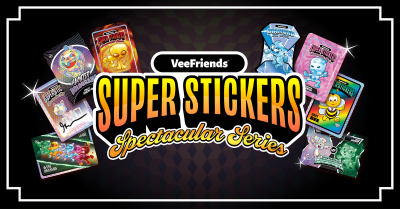
Collect the Spectacular. Introducing Super Stickers: Spectacular Series
The next chapter in the VeeFriends Super Stickers series has arrived. Released in August 2025, Super Stickers: Manga Series featured a…
BOOK GAMES will be played on Immutable X. Now that the playing field for BOOK GAMES has been set, it's time to verify your BOOK GAMES wallet address and NFT count using our - BOOK GAMES NFT Checker.
The BOOK GAMES NFT Checker was built for our community to be able to confirm two things:
Your wallet address for BOOK GAMES is correct
The amount of NFTs you will be receiving are correct.
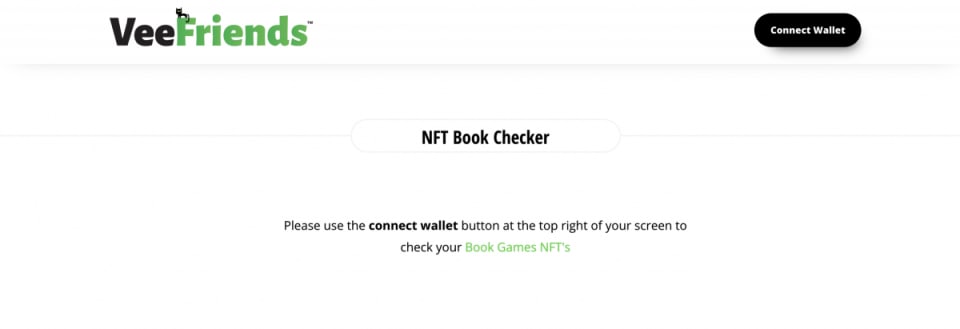
Click "Connect Wallet" in the top right hand corner and connect your wallet that you submitted when purchasing your books.
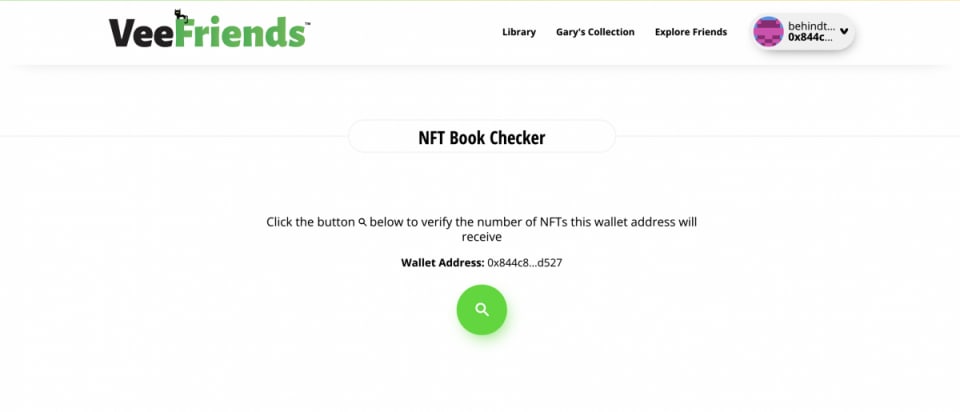
Once clicked, you will then see how many books you purchased and how many NFTs you will receive.
If you have issues regarding the NFTs you should be receiving based on the BOOK GAMES NFT Checker OR need to update your Ethereum wallet address, Click the green "Troubleshoot" button below the BOOK GAMES NFT Checker results and fill out the troubleshooting form for further assistance.
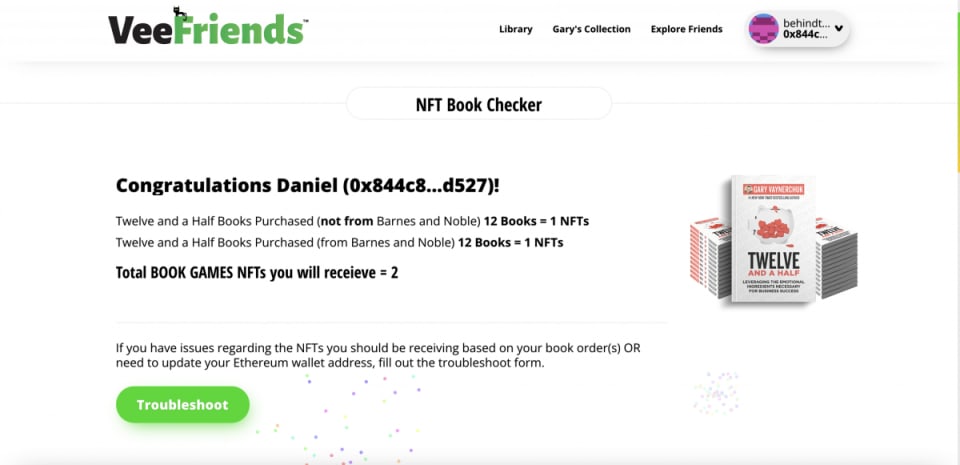
Why Do I Need to Connect my Wallet?
If you purchased Gary's new books to be part of the BOOK GAMES NFT token drop that's happening in early January, by connecting to BOOK GAMES NFT Checker it will help verify your information and prepare you for the token drop.
I Can't Connect to the VF Website?
Please try hard refreshing the site a couple of times: PC: CTRL+Shift+R or MAC: Command+Shift+R
Using a different browser (including trying using mobile connect)
How Long Do I Need to be Connected?
Once you are connected and confirm your BOOK GAMES NFT Checker results, you can exit out of the site. Confirming once is all we need as of now. However, if you would like, completing "My Profile" will allow us to have direct communication with you if necessary. If not, you can disconnect at any time by "X"ing out of the webpage or disconnecting your wallet.
Which Wallet Do I Need to connect?
Connect the wallet address you entered for your book token eligibility. If you're looking to update your wallet address, click on the Troubleshoot button and fill out the troubleshooting form.
Once I've Connected Do I Need to Do Anything Else?
Simply connecting is all we need from you. However, if you would like, completing "My Profile" will allow us to have direct communication with you if necessary.
The next chapter in the VeeFriends Super Stickers series has arrived. Released in August 2025, Super Stickers: Manga Series featured a…

A new chapter awaits for BOOK GAMES tokens. Immutable X (IMX) recently sunset its original architecture and moved to a zkEVM model. As a…
We’re excited to introduce the VeeFriends Wallet powered by Privy: a secure, onchain wallet built directly into your VeeFriends account…

Be like Knowing Gnome - never miss exclusive VeeFriends updates, drops, and news! Get it all delivered straight to your phone by email and text!